- Create a new WAM.
Name: iiiUsingCSS
Description: Using CSS
Layout weblet: iiilay01
Replace the default RDMLX code with the source provided in WAM100. Appendix. Appendix. It is a simple WAM that looks like the following. It displays a list of employees as a browse list or a grid.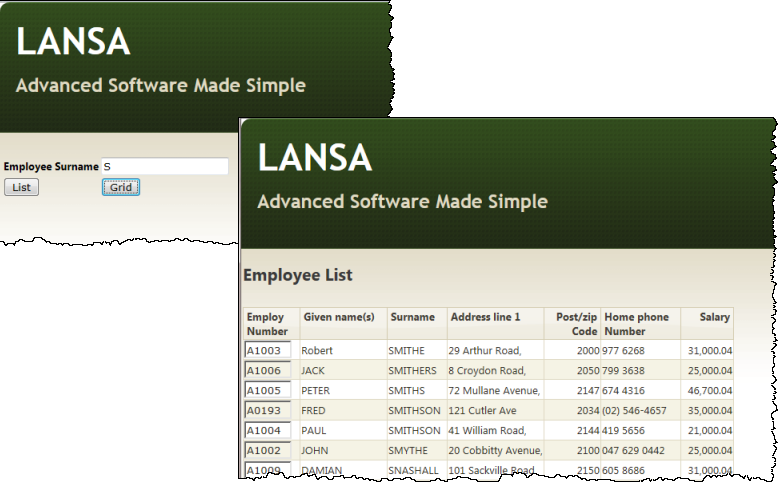
- Compile your WAM. Open the begin WebRoutine in the design view:
- Extend the table containing Employee Surname by adding a row.
- Add a push button to each new cell and set up the push button properties as follows:
Property
Value
Caption
Liston_click_wrname
EmplistCaption
Gridon_click_wrname
empgrid - Save your changes.
- Open the empgrid WebRoutine in the Design view. Add a Grid weblet to the page and link it to list EMPLIST.
- Save your changes.
- Run the begin WebRoutine in the web browser.
- Enter a partial surname such as "S" or "B"
- Click the List push button to display a list of employees.
- Click the Grid push button to display a grid of employees.