Page History
[  |../../index.htm#lansa/lansa048_0270.htm]
...
The simple Framework layout can be changed by both designers and end-users in Windows.
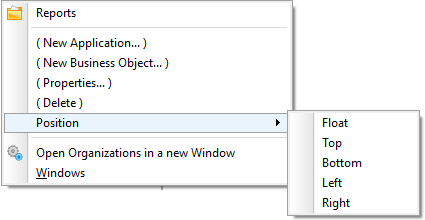
Use the right button pop-up menu and choose the Position option to rearrange the various components that make up the Framework window into a form that is most suitable for your application:
Standard Look
Command Handler on the Right
Command Handler on the Top
Application Choices on the Right
Application Choices Moved to Tool Bar
Application Selection on Top
Application Selection at the Bottom
Floating Filter
Floating Instance List
[ |../../index.htm#lansa/lansa048_0270.htm]