Page History
...
If you like, copy and paste this code and create your own Web Page, then from the Home ribbon, save and compile the Web Page.
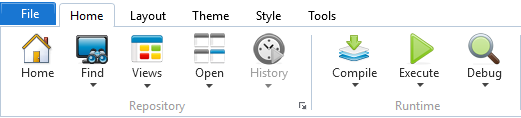
Executing the Web Page, again from the Home ribbon, will launch your default browser and run your "Hello World" application based on you default web server, which hopefully will look something like this. Be sure to click the button to activate the alert.
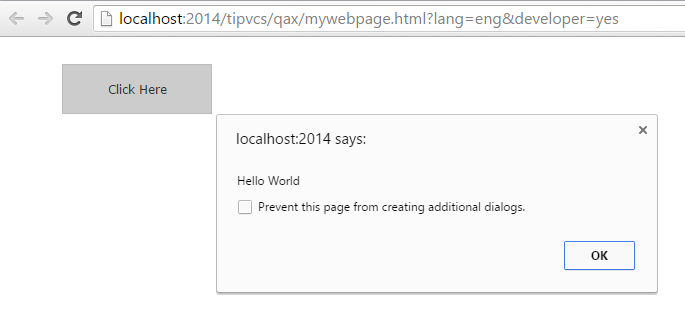
That's it, you have just created and executed your first web page using Visual LANSA.
...
If you want to nominate a different target browser and/or base URL to be used when executing the web page, go back to the Home ribbon and use the dropdown on the Execute icon to select the appropriate options.
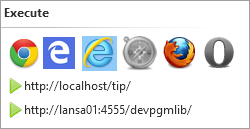
Note: The Base URL options can be set in the LANSA Settings. Refer to Web Server Up and Running for more information.