Page History
[  |../../index.htm#lansa/wbfeng01_0040.htm]
You are here:
...
Objectives
- To learn how to use the Combo Box and List View to show data.
- To learn how to use the SELECT command to read multiple records from a table.
- To learn how to add entries to a list component using ADD_ENTRY.
- To learn about list properties and how lists can interact with each other.
- To create a web page which displays departments in a combo box and employees in a list view.
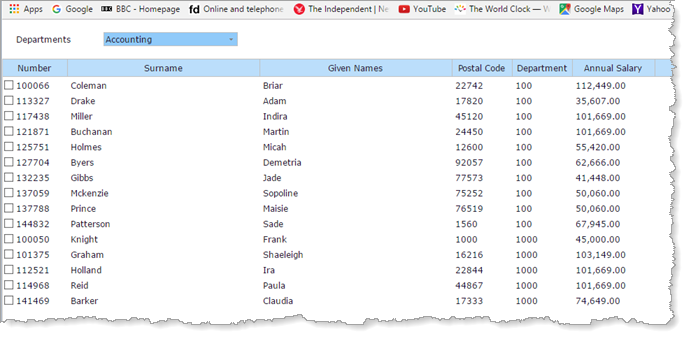
- The web page will behave as follows:
- When the web page loads, all departments are loaded to a combo box. The list view is loaded with employees belonging to the first department
- When a new department is selected, the list view is cleared and repopulated with employees for the selected department.
- Note that some departments may not have employees.
...
Before You Begin
Complete exercises WBF015A, WBF015B, WBF025 and WBF035.
[ |../../index.htm#lansa/wbfeng01_0040.htm]