Page History
When you select the New or Open command from the File menu, the names of all the files that you can access from the host to which you are connected are displayed in the Selected Files area.
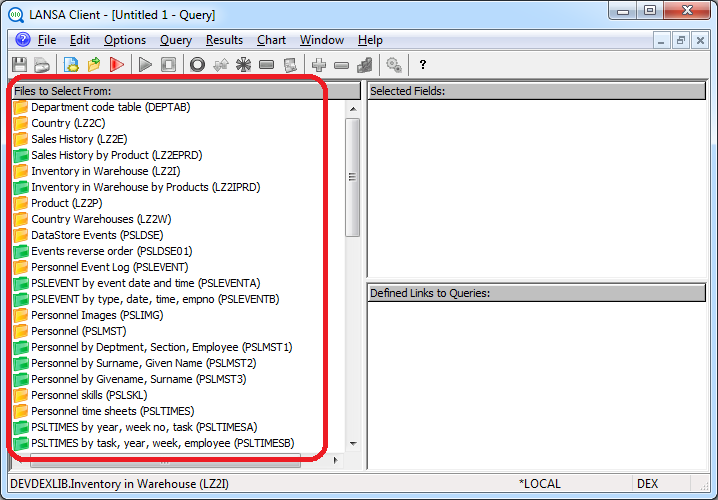
If there are too many files displayed, you might consider limiting them by creating a file filter as described in 3.3.3 Limit the Files Displayed.
Your authority to use specific files is defined in the LANSA Repository at the host. Your LANSA Client User ID is used as your identity by the Repository.
Logical files, if displayed, appear immediately after their Physical file.
The icon is a folder. It is closed when it has not been selected for a query and open when it has been selected. You can identify the different types of files by the color of their icons, which are:
| Yellow for Physical files. |
| Green for Logical files |


...