Page History
LCE120 - Query a Single file
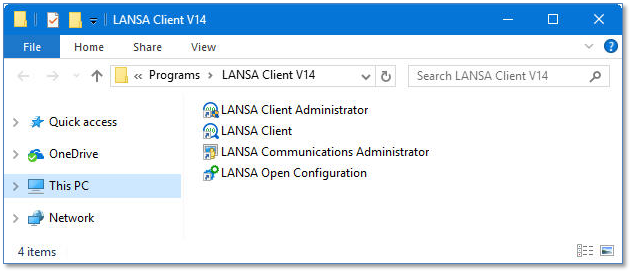
1. On the PC, click the START button (lower left corner of the desktop), then choose the LANSA Client group and then click the LANSA Client icon.
LCE120 - Query a Single file
1. On the PC, click the START button (lower left corner of the desktop), then choose the LANSA Client group and then click the LANSA Client icon.