Page History
LCE210 - Update Data
1. Click on the Execute (run) the current query icon from the toolbar.
Alternatively, from the toolbar select the Query menu and then choose the Execute command, or use this command's accelerator keys (Ctrl + E)
LCE210 - Update Data
1. Click on the Execute (run) the current query icon
Image Removed
Image Added from the toolbar.
Alternatively, from the toolbar select the Query menu and then choose the Execute command, or use this command's accelerator keys (Ctrl + E)
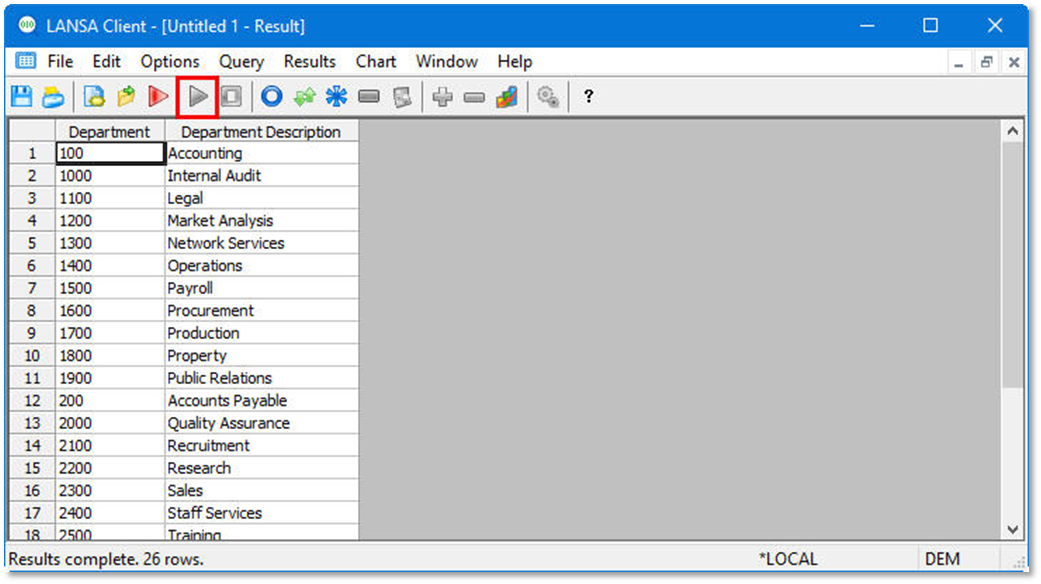
Image Removed
Image Added
Copyright © 2004-2026 IDERA, Inc.