Page History
LCE210 - Update Data
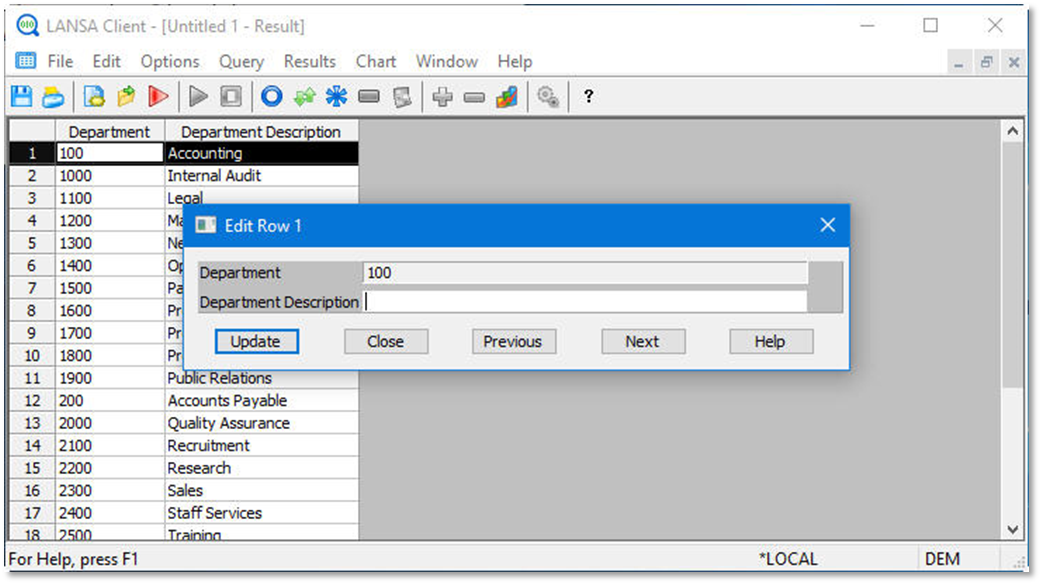
1. Change the Department Description to blanks and press the Update button.
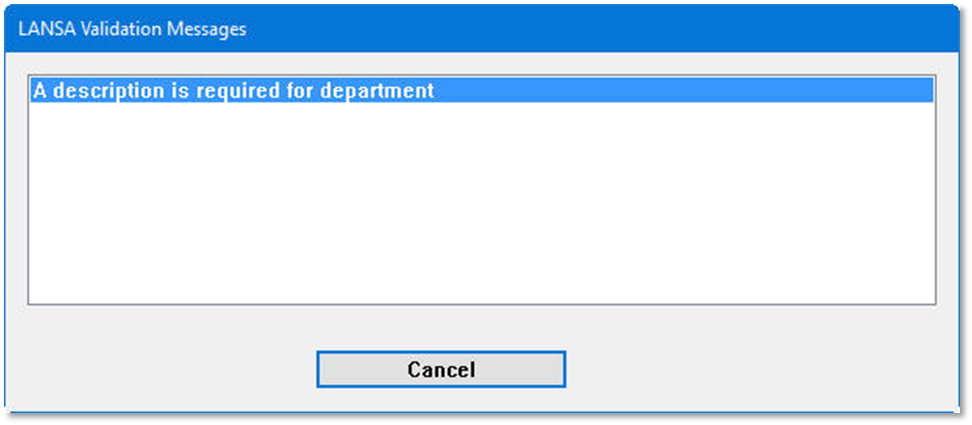
2. Press Cancel.
3. Press OK to close the validation error message window.
4. Press Close to close the Edit Row window.
| Tip |
|---|
Tip
|
LCE210 - Update Data
1. Change the Department Description to blanks and press the Update button.
2. Press Cancel.
3. Press OK to close the validation error message window.
4. Press Close to close the Edit Row window.
| Tip |
|---|
Tip
|