Page History
Unlike most other GUI tools, Visual LANSA implements a repository-based approach. As always, the LANSA repository centralizes the common business information about your applications.
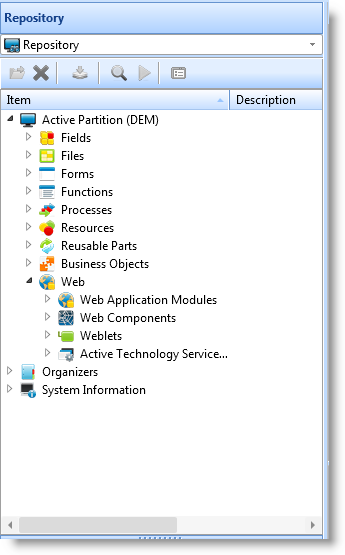
This means that you get all the benefits characteristic of LANSA application development in addition to GUI capabilities:
...
- You present the employee number as a text field with a separate label.
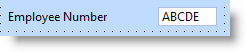
- You have to create a new text field and a new label for every application and every window where employee number is used. It's likely that the text, the character case, the font, the size and maybe even the colors of the labels are slightly different in every application, especially if more than one developer is involved. Some developers might add spin buttons to the edit box so that the user can scroll employee numbers. Others might use a combo box instead of a text box.
- You have to size the text field to fit the employee number every time it is used. To find out the required size, you have to execute the application to fetch data from the database to see if it fits.
- To retrieve or insert the employee number in the application, you have to explicitly associate the text field with a record in the database.
- You have to code the validation logic for employee number separately in every application.
- You have to code error handling for employee number separately in every application.
- In a localized version you have to substitute the translated text of the label in a separate resource file for every occurrence of the label.
...
- You store the employee number in the repository as a field with a description (label), validation rules, error handling and help text. You can enter the label in multiple languages. Of course you do this only once.
- When developing an application, you drag the employee number field to any window where this information is required. This is all you need to do.
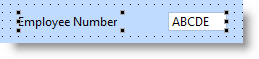
Note that:
...