Page History
To create a standard menu which you can customize, run the VL_BBMNUBR template.
Choose Templates in the Design tab of the ribbon:

And then VL_BBMNUBR:
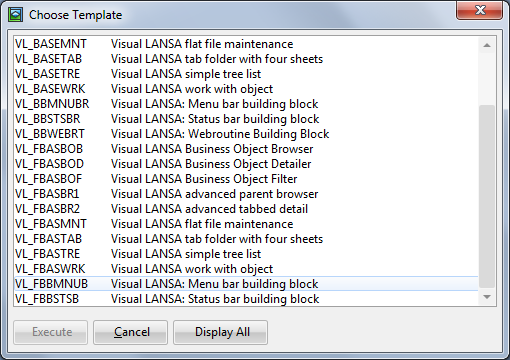
The template creates the menu without asking any questions.
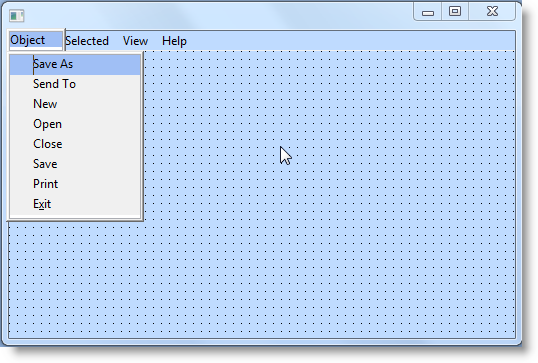
When the menu has been created, you simply change the caption 'Object' to the name of the object your application deals with (invoice, employee, order etc.) and modify, delete and add items and submenus as appropriate.
&<img src="../resources/images/opentoc-dark.png" title="Open Contents List" border="0"&>