Page History
...
- Learn how to add functionality to your modernized screen using buttons
- Understand that clicking a button (or pressing a function key) on a modernized screen does NOT have to interact with the 5250 application. You can capture button or function key on the client to add functionality.
- Learn how to copy data from a RAMP command handler to the Windows clipboard.
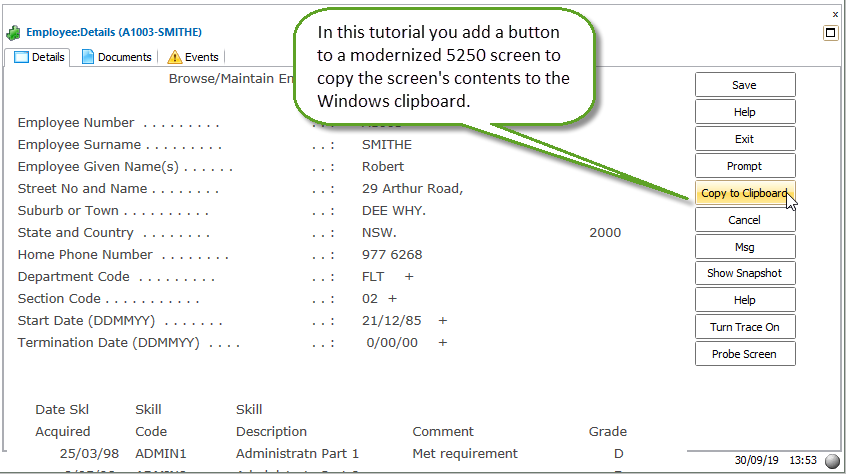

To achieve this objective, you will complete the following steps:
Read About Buttons
RAMP-WINAD01 Step 1. Enable a Framework Button
RAMP-WINAD01 Step 2. Name Fields to Be Copied on the DisplayEmployee Screen
RAMP-WINAD01 Step 3. Add a Function to the Script for the DisplayEmployee Screen
RAMP-WINAD01 Step 4. Call the Function in the ButtonClick Function
RAMP-WINAD01 Step 5. Test the Buttons
Summary
Before You Begin
In order to complete this tutorial, you must have completed the core tutorials RAMP-TS001 - RAMP-TS015..