Page History
...
- Learn how to use aXes Designer to redesign your screen.
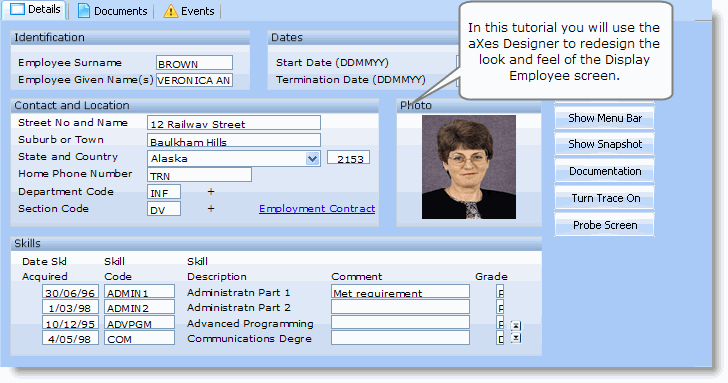

To achieve this objective, you will complete the following steps:
- RAMP-WINAD04 Step 1. Get Started with aXes Designer
- RAMP-WINAD04 Step 2. Set up Styles
- RAMP-WINAD04 Step 3. Hide Repetitive Information
- RAMP-WINAD04 Step 4. Add a Tooltip
- RAMP-WINAD04 Step 5. Add a Drop-Down
- RAMP-WINAD04 Step 6. Organize Fields inside Group Boxes
- RAMP-WINAD04 Step 7. Hide Function Keys and Add a Picture
- RAMP-WINAD04 Step 8. Add a Hyperlink
- RAMP-WINAD04 Step 9. Test the Redesigned Screen
- RAMP-WINAD04 Step 10. Remove the Screen Customization
Before You Begin
In order to complete this tutorial, you must have completed the core tutorials RAMP-TS001 - RAMP-TS015.
...