Page History
...
Database Data (Fields) | Program Logic (Actions) |
|---|---|
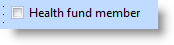
To record a Yes/No choice in the data base, make the field's visualization style Check box.
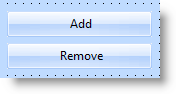
| To let the user choose from two actions, use two buttons.
|
|
Choice between several options
Again, notice how differently data and actions are shown:
Database Data (Fields) | Program Logic (Actions) |
|---|---|
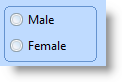
To record an user's choice of a value for a field, make the field's visualization style Picklist. The picklist's appearance can be:
| To let the user choose from several items or actions, use a list with a set of buttons buttons
|
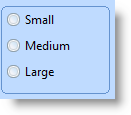
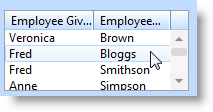
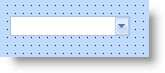
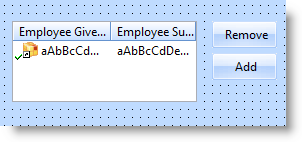
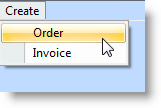
...
|
There Are Only Three Ways for the User to Trigger an Action
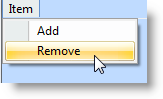
In GUI applications there are only three correct controls you can use to let the user trigger an action:
...
In standard GUI usage these three controls command immediate action. No other control has this characteristic.
Do not, for example, trigger an action when the user ticks a check box (except to write the choice to a database). This is because a check box is universally used to present a yes/no selection, not an action.
Let's say your application brings up a new window if the user decides to create a new invoice. It would be wrong to represent this as a check box, because the user does not expect a new window to appear when they tick a box:
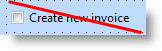
For your application to behave predictably, you represent this choice as:
| A push button |
| A menu option |
| A toolbar button |

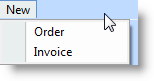

...