Page History
This example shows how you can embed a LANSA ActiveX reusable part to a Visual Basic form. The LANSA ActiveX component is the grid showing skill details for an employee:
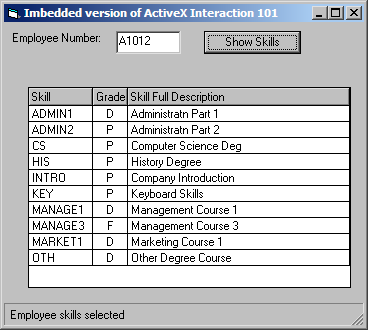
Source that makes up this example:
Name | Type | Description |
|---|---|---|
AXPANELA | Visual LANSA Component | Visual LANSA Source |
Project1 | Visual Basic Project | Project Definition |
Form1 | Visual Basic Form | Visual Basic - Code |
Session.cfg | Configuration file | Session Configuration (Session.cfg) |
|
Refer to Embed a Reusable Part for the source code.
Step 1. Add the Visual LANSA Component
In this step you create the LANSA ActiveX reusable part containing a grid:
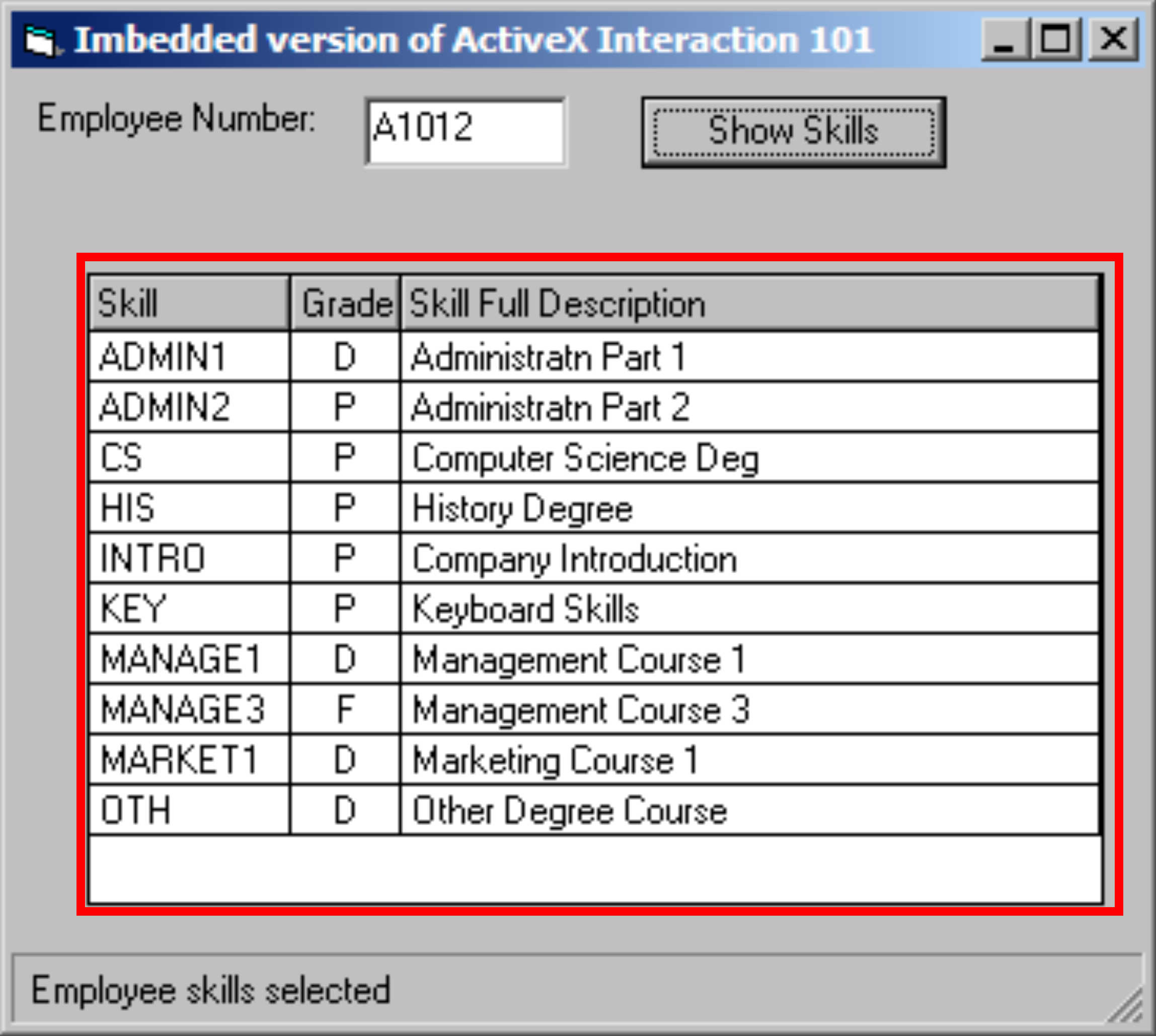
To create the LANSA ActiveX control:
1. Open the LANSA editor and create a new component named AXPANELA, type Reusable Part.
2. Copy and paste into the Visual LANSA Editor the source code from Case 2 - Visual LANSA Source.
3. Use the Set ActiveX Attributes command in the ribbon.
4. Compile the component.
Step 2. Add the Visual Basic Form
In this step you create the Visual Basic form which contains the LANSA ActiveX control:
To create the form:
1. Complete the General Setup Tasks to create a new Visual Basic project.
2. Close Visual Basic.
3. Start Notepad, open the form (Form<n>.frm) created in the General Setup Tasks.
4. Replace the code in Notepad with the source code from Case 2 - Visual Basic - Object, then save it.
5. Open the Project (Project<n>.vbp) in your Visual Basic development environment.
6. Open the form (Form<n>.frm)
7. Replace the code with the source code from Case 2 - Visual Basic - Code, then Save it.
8. Right-click in the Visual Basic toolbox and select Components from the popup menu.
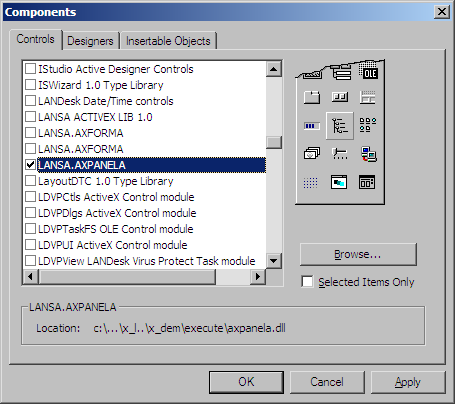
9. Scroll down and check LANSA.AXPANELA. This will add an icon for the AXPANEL control to the toolbox
10. Click on the AXPANELIA icon to select it and on the form drag out a rectangle and release the left mouse key to include the LANSA ActiveX control to the form:
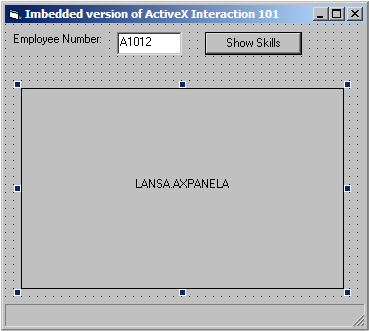
11. View View the properties of the ActiveX control and change the name from AXPANELA1 to AXPANELA.
Notes:
...