Page History
To open the menu item designer, follow these steps:
1. Make sure the Menubar weblet on your page is selected and then click on the Details tab.
2. Move the mouse pointer over the menu_items property in the Details tab. An ellipsis should appear next to the property value. Click the ellipsis button to open the menu items designer. A window like the one shown below appears.
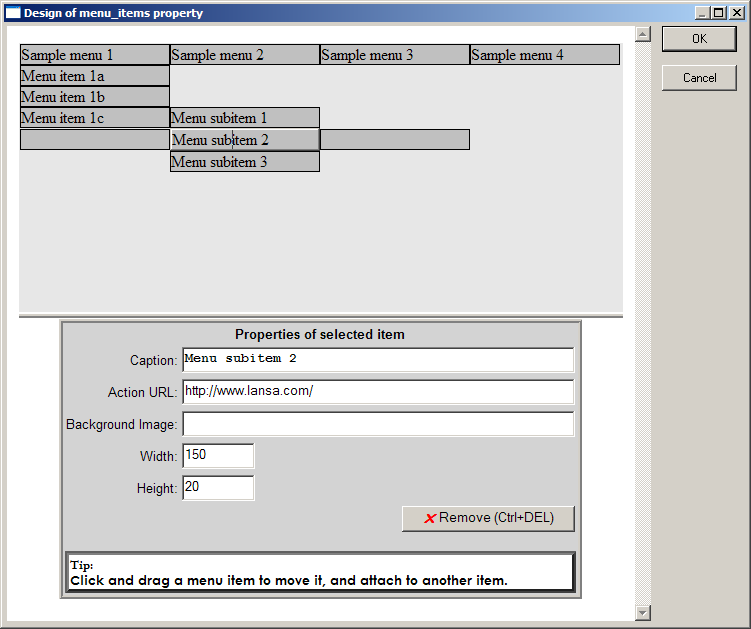
The top-half of the window shows a representation of the current state of the menu. Note that this is always shown in horizontal orientation irrespective of the current value of the orientation property. In this part of the window, you can:
...