Page History
WAM010 - Using WEB_MAPs
In this step, you will compile the WAM.
1. You should still have the WAM iiiUsingWebMaps (where iii are your initials) open in the LANSA Editor.
2. Click the 
 Compile button on the LANSA Editor toolbar to compile the WAM component.
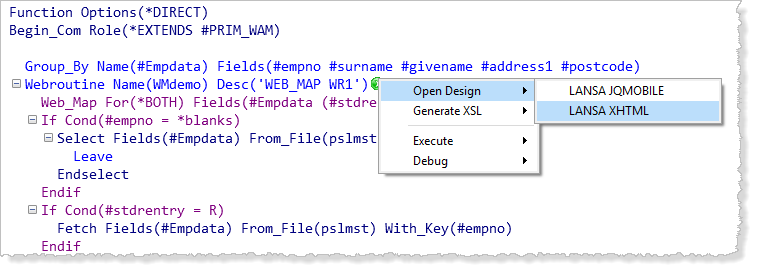
3. After the compile completes successfully, open the WMdemo WebRoutine in the Design view by right clicking on the green arrow next to the WMDemo WebRoutine statement and selecting Open Design/LANSA XHTML.
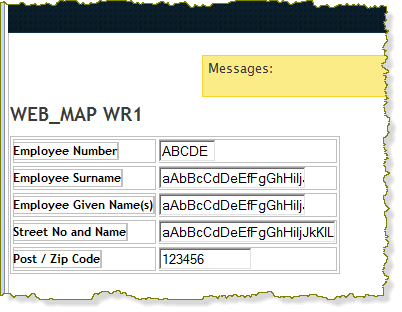
The Design view should appear something like the following: