Page History
...
Sample code is supplied in WAM095. Appendix B.
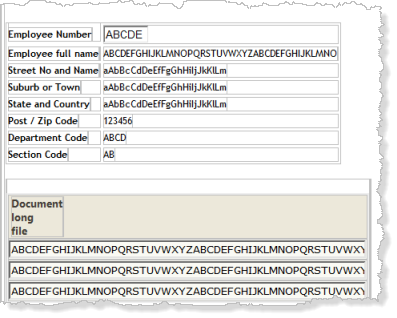
4. Compile your WAM. Open the WebRoutine BEGIN in the Design view, it should look like the following:
5. Drop a Push Button weblet alongside the employee number field.
Set up the push button properties:
...
|
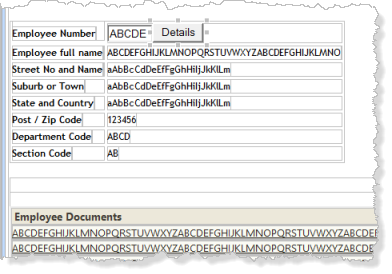
Your design should look like the following:
9. Save your changes.
10. Execute your WAM in the browser. Any employee number may be entered (A0070, A0090, A1234 etc). The WAM will always display the employee details and a fixed list of documents.
Click on one of the documents to display it. The way that the browser and Windows handles the request will depend on the version of browser and the version of Windows being used. For example, in Windows 7 with MS Office installed and IE10, the txt and pdf files are displayed in a new browser tab. The Office documents prompt to be displayed in the required Office program.
Continue with Step 4. Enhance Appearance of the Documents List (Optional)