Page History
In this step you will find your new layout in the Repository and open it in the editor.
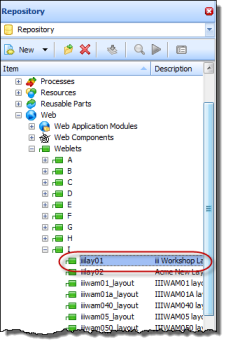
1. Layouts are special type of weblet. Expand the Web / Weblets group on the Repository tab to locate your layout. Double click on it to open it in the editor.
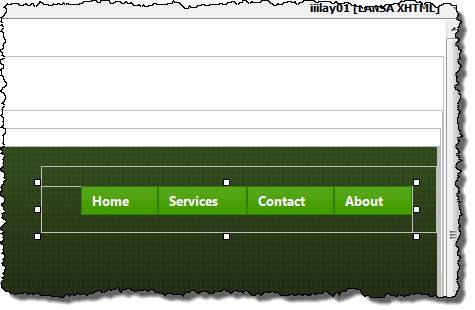
2. In the Design view, select the Menu Bar item.
3. On the Details tab, select the items value, and click on the Ellipsis  button to open the Design of menu_items Property dialog.
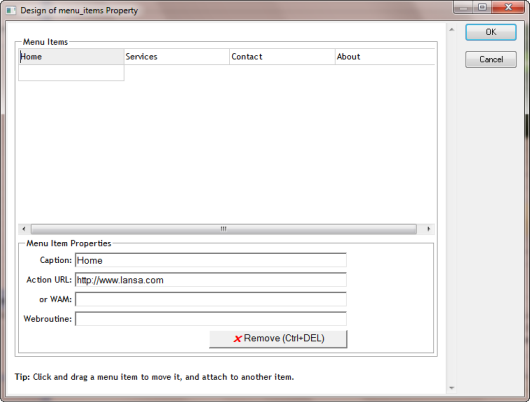
4. Select each menu item and define its Action URL based on the following:
...