Page History
...
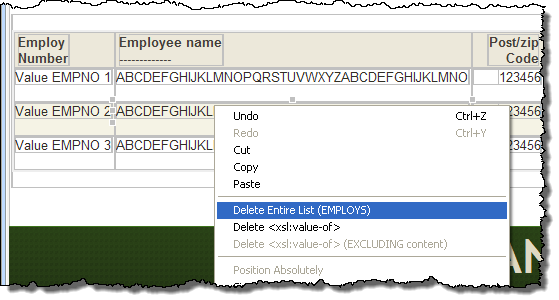
1. In this step you will temporarily remove the employees list from the page. With the ShowPage WebRoutine open in the Design view, select anywhere inside the employees list and use the context menu, to select the Delete Entire List (EMPLOYS) option:
2. Drag and drop a Vertical Splitter onto the page.
Set up its properties as:
...
|
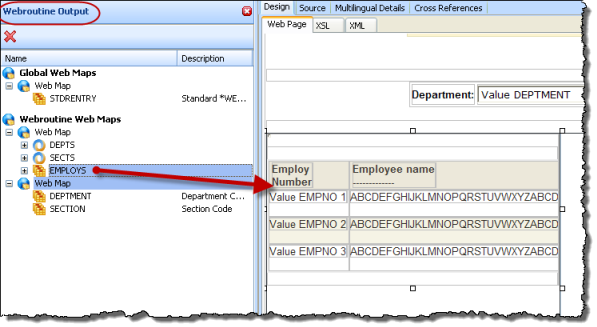
3. Select the WebRoutine Output tab, and drag and drop the list EMPLOYS onto the left side of the Vertical Splitter:
4. Save your changes.
5. Drag and drop a Navigation Panel onto the right side of the vertical splitter.
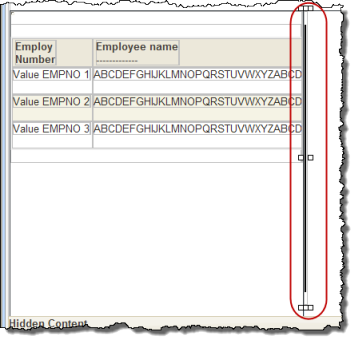
With With the Navigation Panel selected set up its properties:
...