Page History
...
You can arrange the levels as you wish.
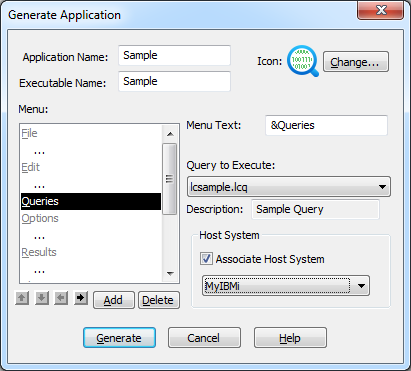
Changing the Command Hierarchy
1. From the list in the Menu box select the command you want to change.
...
In general, you would demote a command from level 1 to level 2 or promote a command from level 2 to level 1. You cannot promote a command above level 1.
Re-sequencing the Commands
To re-sequence the commands in your Menu list, select the command to be moved then select the button with the Up Arrow, to move the command up, or the button with the Down Arrow, to move the command down.