Page History
1. On the PC, click the START button (lower left corner of the desktop), then choose the LANSA Client group and then click the LANSA Client icon.
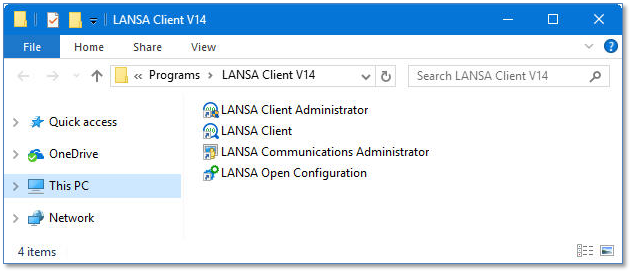
1. On the PC, click the START button (lower left corner of the desktop), then choose the LANSA Client group and then click the LANSA Client icon.