Page History
1. Select a row in the results window by clicking on the Row Number.
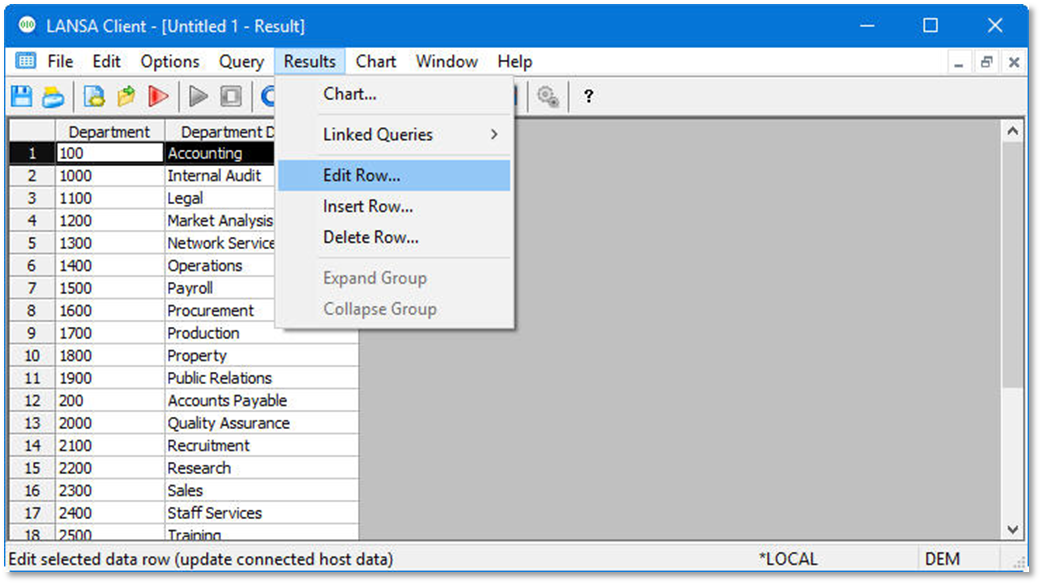
2. From the toolbar select the Results menu then choose the Edit Row command. Alternatively, right-click to open the pop-up menu and choose the Edit Row command.
1. Select a row in the results window by clicking on the Row Number.
2. From the toolbar select the Results menu then choose the Edit Row command. Alternatively, right-click to open the pop-up menu and choose the Edit Row command.