Page History
...
Before this step you might want to read this FAQ: I have made a mistake in classifying a screen. How do I change the classification?
When navigating, remember to choose menu options by typing in the number and pressing Enter (if you click on a menu option with the keystroke, tracking cannot follow this).
...
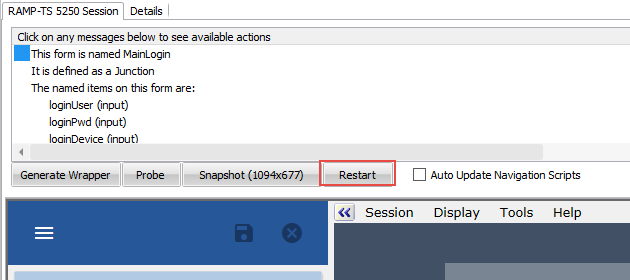
3. Restart navigation tracking by clicking on the Restart button under the Message Area:
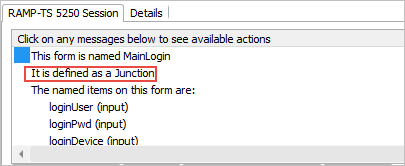
Notice that the Message Area indicates that the login screen has already been classified as a junction:
5. Select Auto Update Navigation Scripts.
...
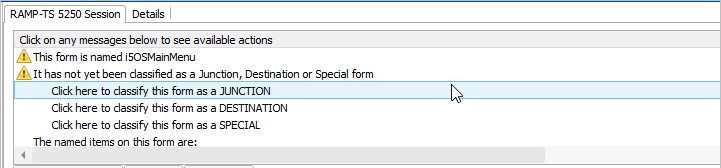
8. Navigate to the Personnel Table Main Menu by entering this command:
lansa run psltab partition(dem)
9. Classify it as a Destination screen.
10. Now retrace your steps to track the navigation away from the destination screen:
...