Page History
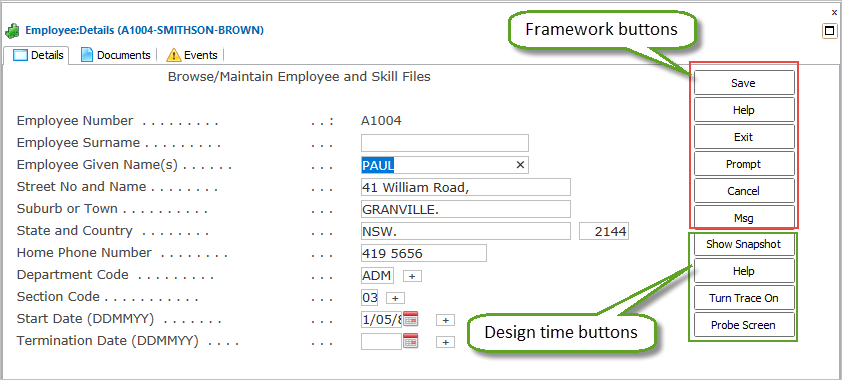
There are two kinds of buttons in a RAMP application, Framework buttons and 5250 buttons.
Framework Buttons
Framework buttons are set for destination screens in the screen's RAMP definition:
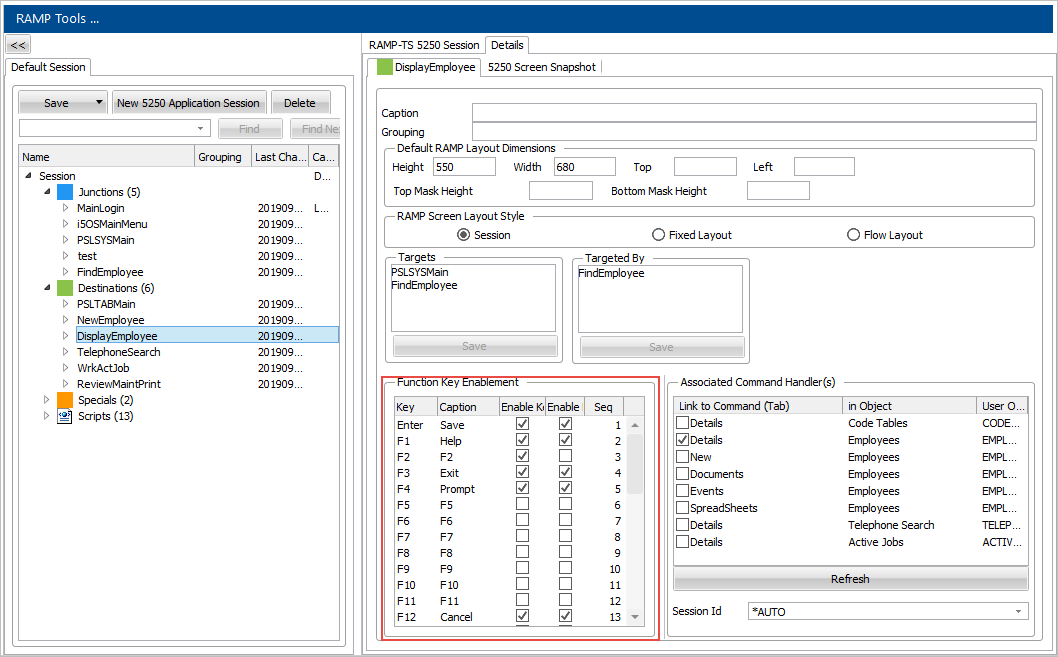
You should use Framework buttons on all destination screens. (Button display on junction and special screens is irrelevant because these screens are not shown.)
When executing the Framework as a Designer, design-time buttons are also shown to help with development tasks:
5250 Buttons
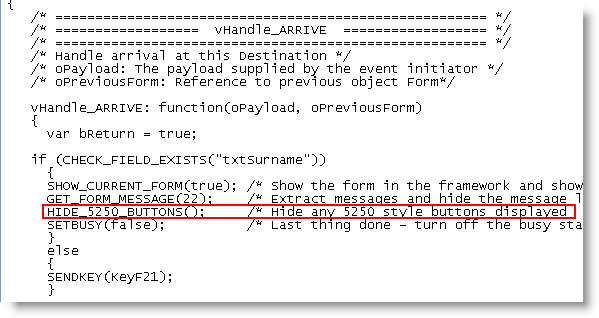
5250 buttons are the buttons which are part of the modernized 5250 application, but by default they are hidden on all destination screens.
...
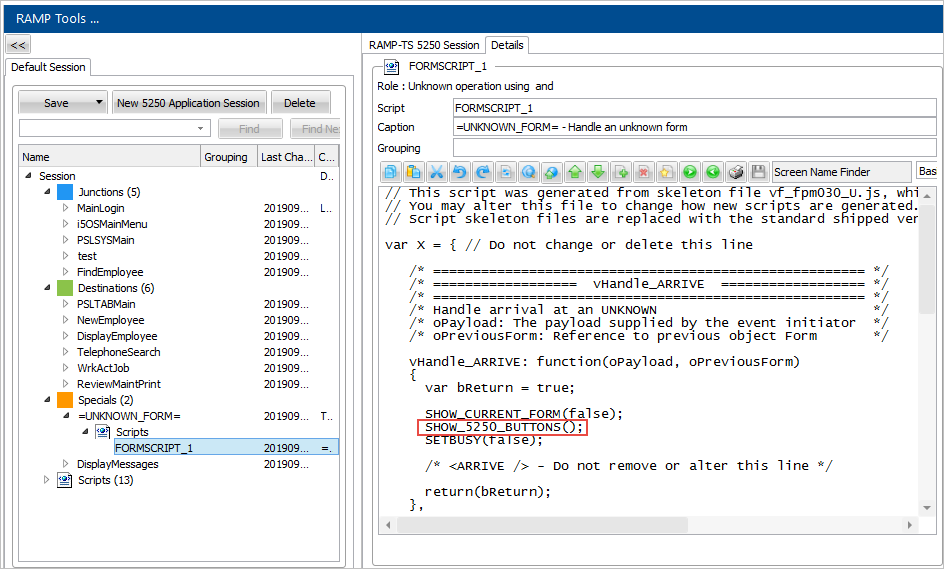
By default the 5250 buttons are shown in unknown and undefined screens. This behavior is controlled by the special Unknown form definition: