Page History
...
LANSA documentation is accessed online from the LANSA documentation website and displayed in your browser. Step 3. F1 Context Sensitive Help explains how to access help. Using F2 on a component displays all its properties, methods, and events on the Features tab. If you then double-click a property, event, or method on the Features tab, detailed help will be displayed in the browser.
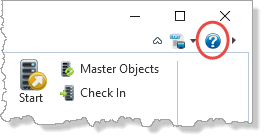
1. In the LANSA Editor click on the Help icon at the right-hand side of the ribbon area.
The The LANSA Documentation home page will be shown in your default browser.
| Info |
|---|
| For best results, we recommend that you use the Google Chrome browser to view the LANSA documentation. |
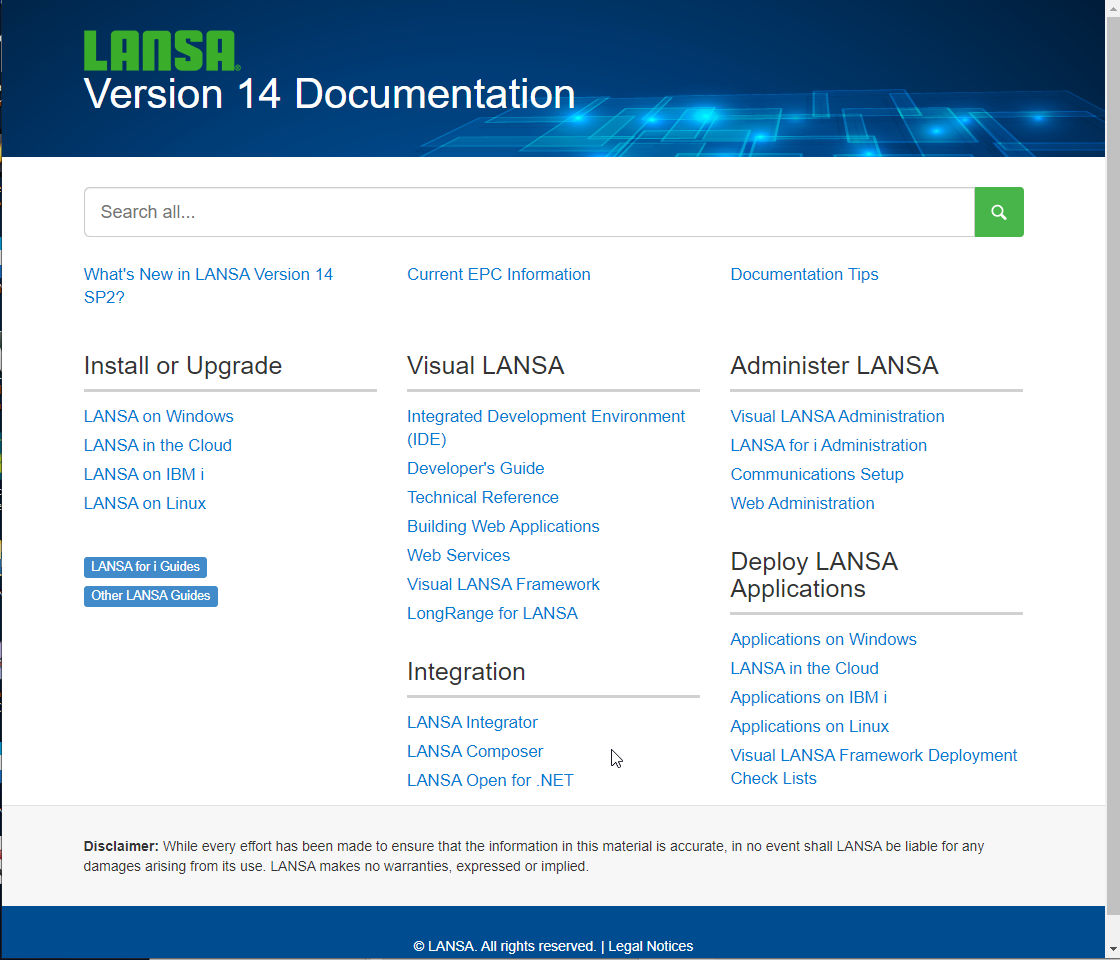
2. Click on the Developer's Guide link on the LANSA Documentation home page. This will open the Visual LANSA Developer's Guide.
3. A Search box is always shown in the top right corner.
...