Page History
...
2. With your cursor somewhere within the Repository tab, press F1.
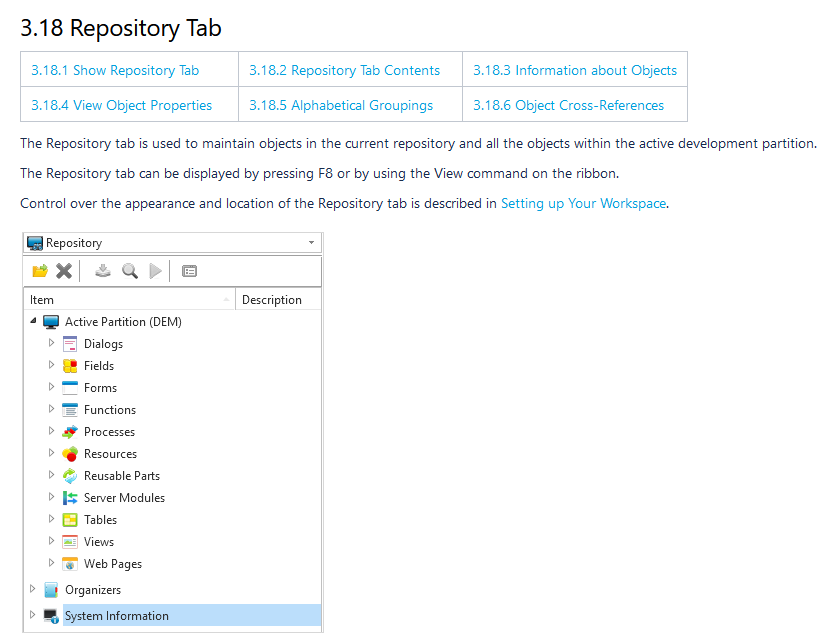
The context help for the Repository tab is displayed in the browser.
3. Click on the hamburger icon in the toolbar to show the Contents List. You can now access all other sections in Choose from the left tree menu the page you want to access from the Visual LANSA User Guide. You can also do this using the breadcrumbs at the top of the page.
...