Page History
...
You will find details of the options on the check in dialogs with the compile options for the object type.
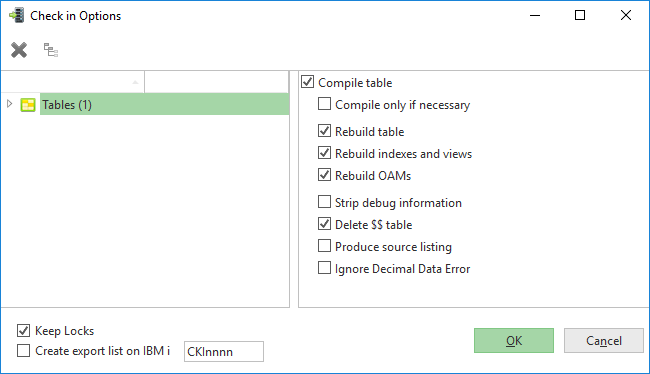
Keep Locks
This option, when checking objects in to the LANSA Master Repository on the IBM i, controls whether the objects remain locked to the PC and locked to the Task after check in is complete.
...
This option allows an export list containing the objects selected for check in to be automatically generated on IBM i during the check in processing. By default the export list will be created with the name CKInnnn where nnnn is the next available descending number based on existing export lists e.g. the first export list will be created as CKI9999, on the subsequent check in the next export list will be created as CKI9998.
...
If you select an object (or more than one) and press this icon  , the Local Cross References dialog will open to show you all the objects used by the selected objects.
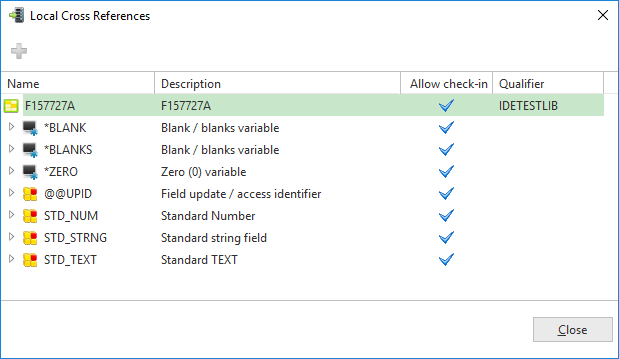
From the Local Cross References dialog you can select objects for inclusion in the check in by clicking on the  icon can add them to the Check In Options dialog to check them in as well.
Depending upon the type of object being checked in, you may wish to review the following in the Technical Reference Guide: