Page History
...
To do this, go to the LANSA Folder, select the Settings and Administration folder, expand the Utilities folder, then click on |
|

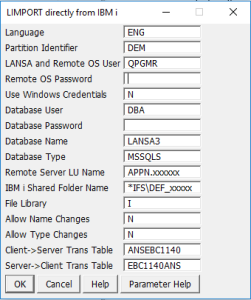
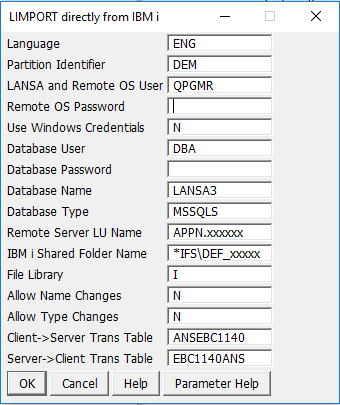
You must have an active connection to the IBM i server with a valid IBM i profile and password. The profile must have all of the proper IBM i authorities to access the IFS containing import data. The import data in the IFS should have been formatted as a PC export.
...