Page History
...
To do this, go to the LANSA Folder, expand the Execute Applications folder and select |
|

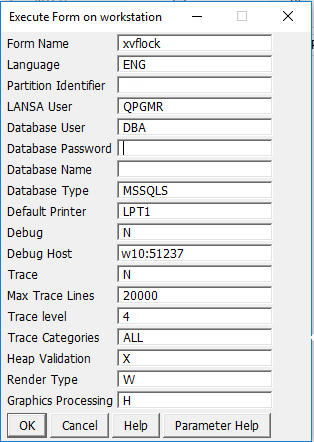
Press OK to open the Workstation Locks list: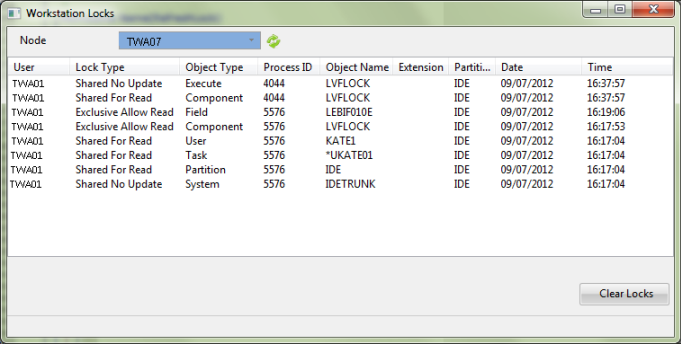
Select the desired workstation from the dropdown list to display the details of any locked objects for this workstation. Use the refresh button beside the dropdown to ensure you are viewing the latest details.
...