Page History
...
In the Maintain Department web page, select the mthroutine statement for Save and press F9 to set a breakpoint. The line will be highlighted in red. You can set breakpoints both before executing Debug and while running in Debug. Breakpoints are saved when you close the web page in the editor.
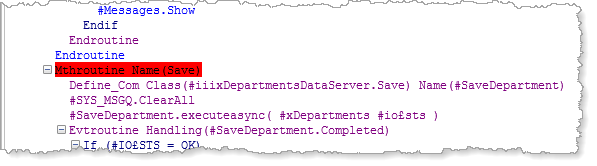
To clear a breakpoint select the line and press F9 again. You can also disable a breakpoint using the context menu:
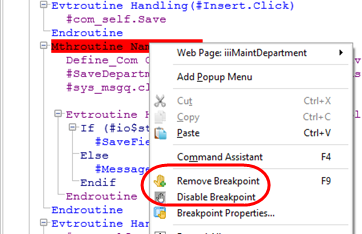
A disabled breakpoint is highlighted in grey and is temporarily ineffective.
Toggle breakpoint will disable the breakpoint or enable the breakpoint.
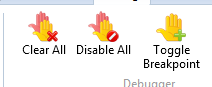
Clear All will clear all breakpoints in this web page.
...
Now click the Save button. Debug will stop execution at the Save method routine and highlight the breakpoint line in yellow. This is the next line to be executed.
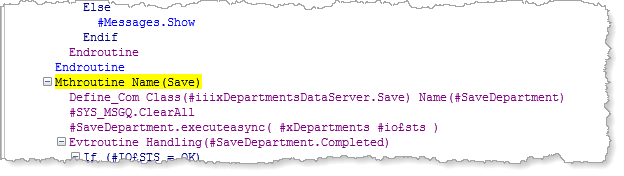
You can now view or change other debug settings.
Note Note: Only when debugging a Windows form or reusable part, may variables be changed while debug is running.
...
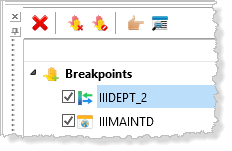
The toolbar buttons shown, enable all breakpoints in all components to be cleared. Alternatively, all breakpoints in all components can be disabled. Individual
Individual breakpoints can be managed by selecting them and the using the following toolbar buttons:
 Removes the selected breakpoint(s).
...