Page History
...
To start tracing in RAMP VLF-ONE, choose Turn Tracing On option in the Execute Framework as a VLF-ONE dialog.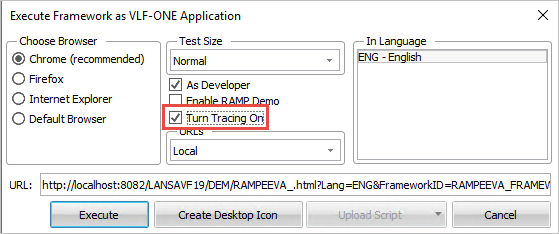
To start tracing in RAMP Windows, click on the (Framework) menu, select (Tracing) -> Application Level.
RAMP execution might produce a large number of statements.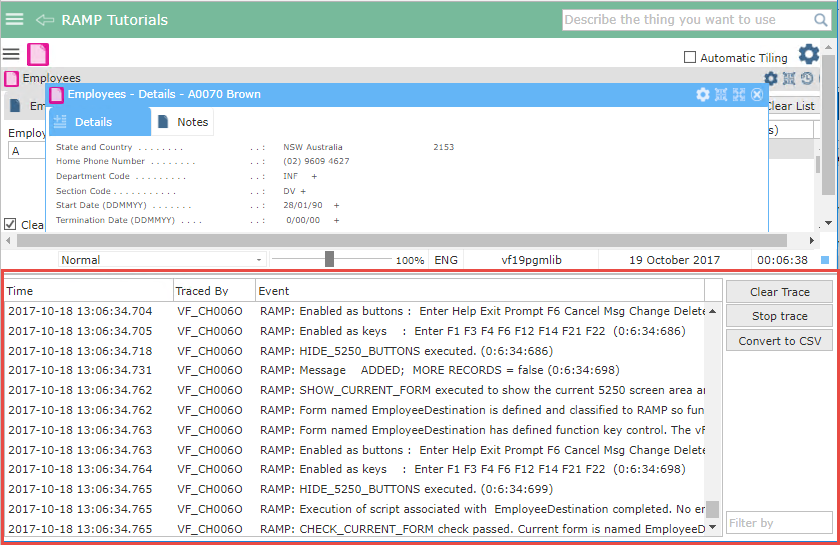
For RAMP execution tracing in VLF-ONE, we recommend to use the Convert to CSV button to save the trace into a CSV file in your temp directory.
...
Press the Messages button to find out about the location of the trace file.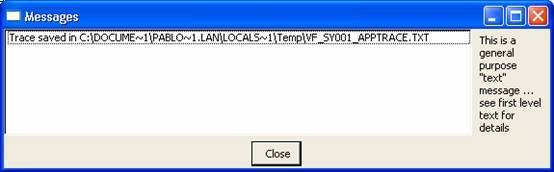
Adding Your Own Tracing Statements
The shipped Java Script function TRACE() allows you to add your own trace statements to the trace:
For example, this trace statement:TRACE
        TRACE("");
     TRACE("Value of AKEY1 is =>" + objListManager.AKey1[0] + "<=");
     TRACE("");
Generates this tracing: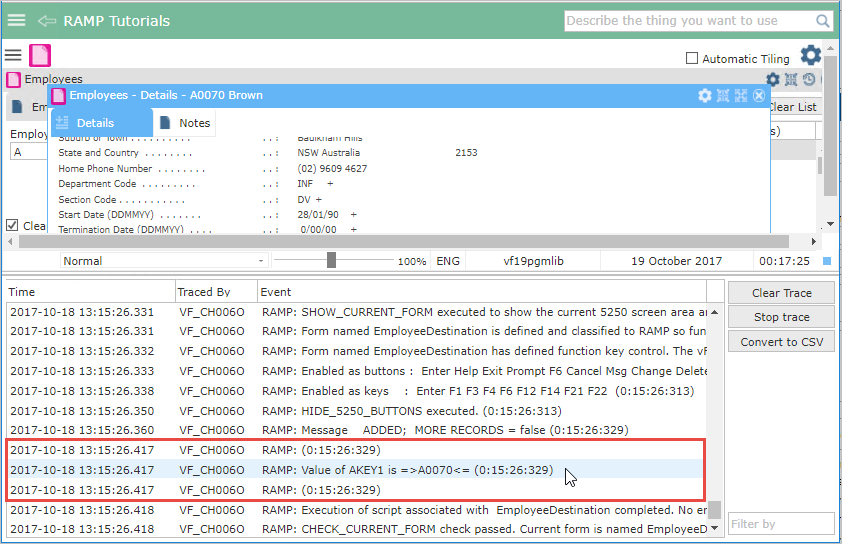
The blank lines before and after the actual trace statement are generated by TRACE(""); simply to make it easier to read.
For more information about the trace statement refer to Script Functions.