Page History
For version 15, this search is still searching V14 documentsyou can use the search bars of Confluence.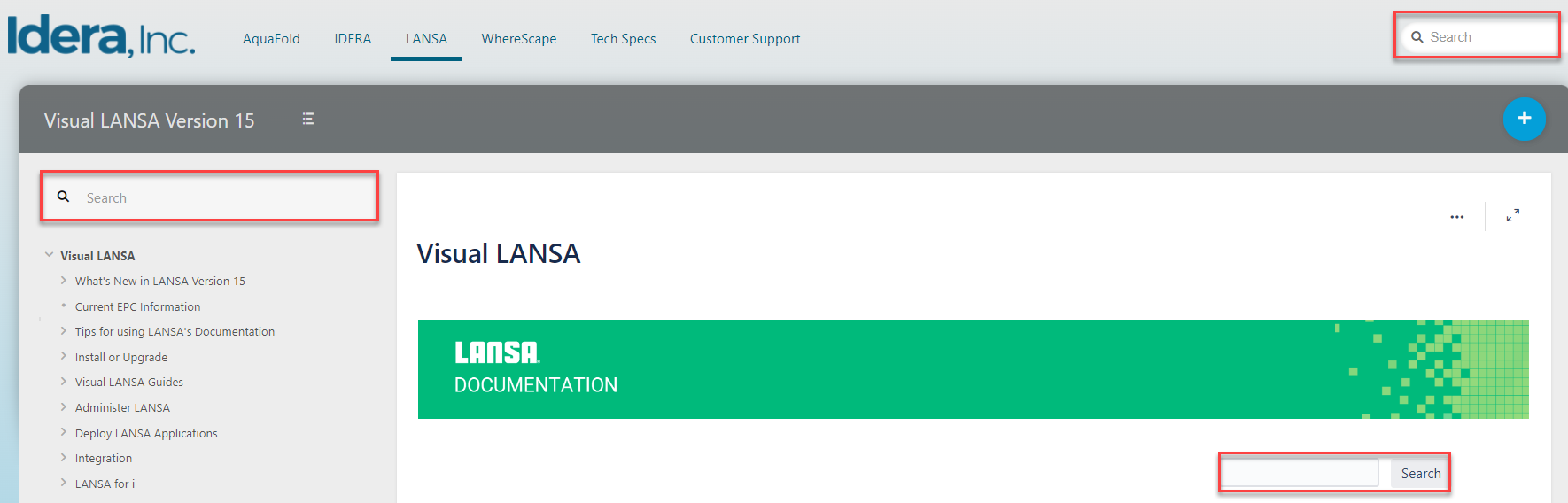
You can also go to docs.lansa.com and search for documentation for versions 15 and 14.
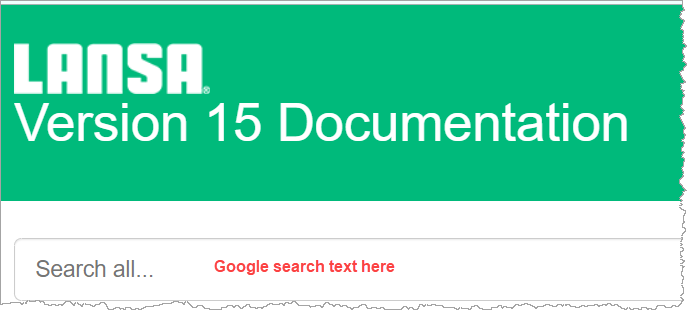
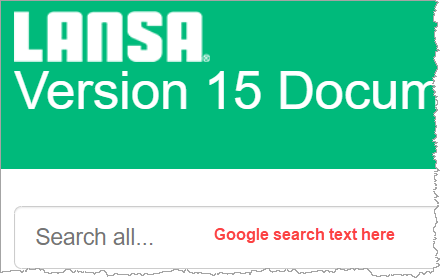
The Google search entry box is on the main contents , or Home page, of the documentation. This search is limited to just the LANSA documentation, so you don't do not pick up unrelated documentation from another site.
To search for multiple words, enclose your words in double quotation marks.Be aware that
| Note |
|---|
| Google may not correctly locate words containing special characters such as @. |
How to find the search box?
If you 've arrived arrive at a page through a Google search or from an F1 context help response, you may not see a search window.
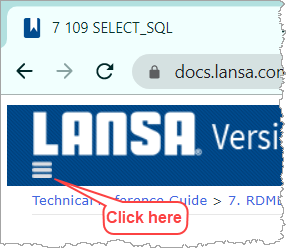
If you wish to search for a single guide, you will need to open the TOC window using the hamburger icon in the title bar:
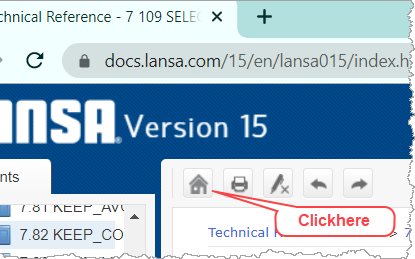
If you wish to go to the Home page (and Google search) use the home button in the toolbar.
Can't see the Home button?
Just click on the hamburger icon: in the title bar or at the bottom of the page to open the Contents list as shown here:
...
...
...
...
1. From an individual page
...
2. Click on the Home button
...
3. And you'll be back here
search bars on the top of the page.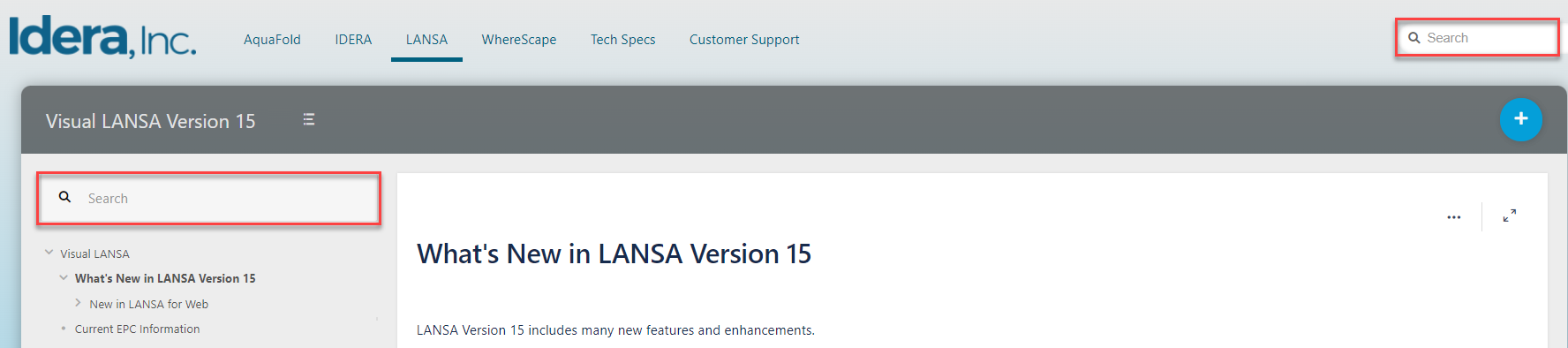
Search for guides by typing the name or related words to the content, and a list of related pages appears.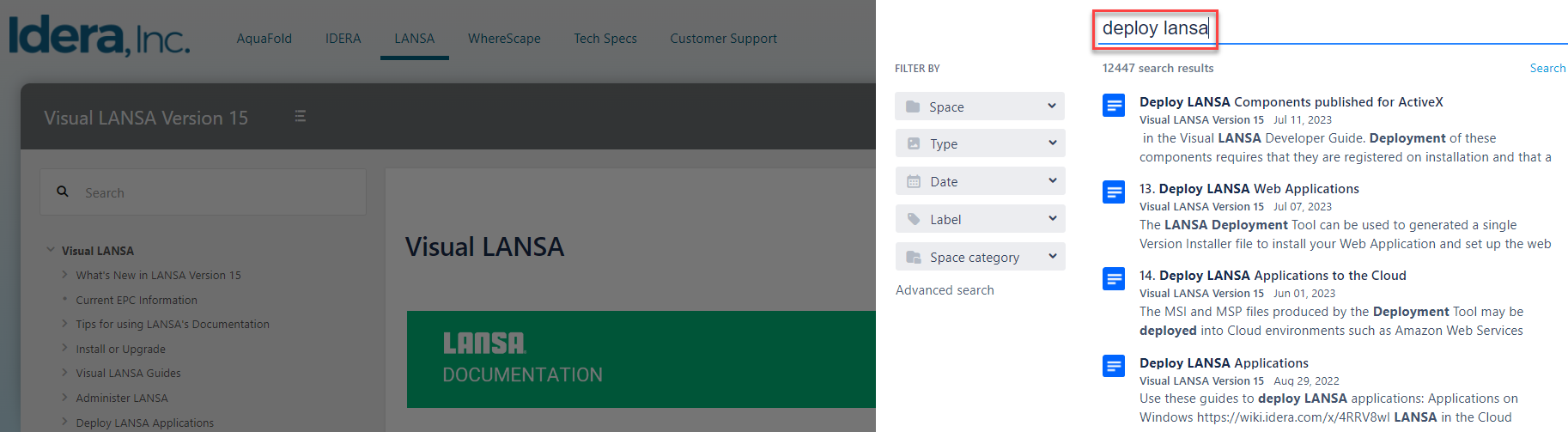
Click on the title, and the page opens.
If you wish to go to the Home page, use the Table of Content on the left side of the page.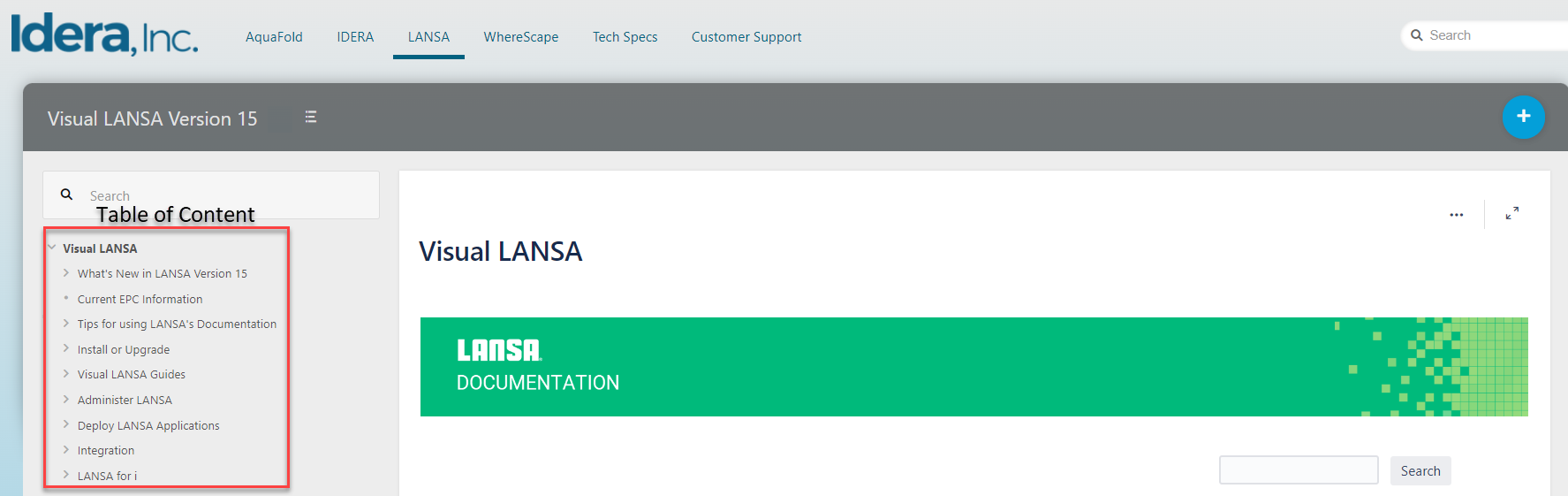
Note that some help (which is the response to help for properties and methods), doesn't have this ability and is served page by page with limited navigation.
Want to search in one guide only?
Open the guide and enter the search criteria in the search box: 
The same conventions apply as for Google searching if you have multiple words.
If you wish to find exactly the search word you are after, enclose it in double quotes.