Page History
...
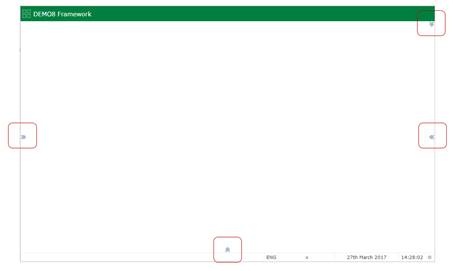
The presence of a slide in panel is indicated by expansion images on the top, left, right and bottom edges of the web page:
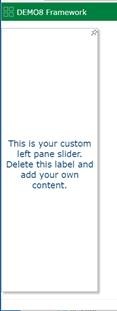
As the user mouses over the edge it is highlighted, like this left edge slider:


If the user clicks or touches the highlighted edge, the slider appears:
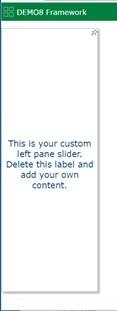
A slider can be docked, or undocked by the user.
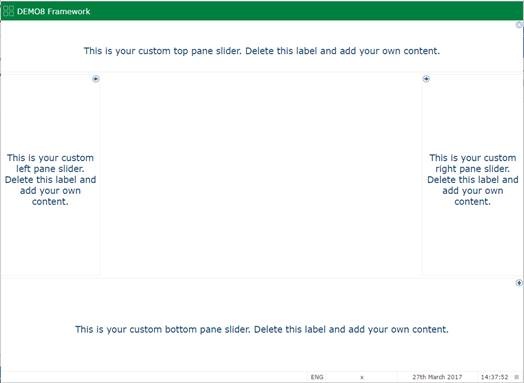
This Framework has a slider attached to all four edges and all four have been docked:
Slide in panels are specified using the VLF-ONE Slide In Panel Reusable Part properties.