Page History
...
Identify all the components you have created for your Framework. If you have developed using the Framework's prefix and you have generated a repository list for that prefix (see Create a Repository List to Track the Things You Create), the list will help you find the components that need to be checked in.
Check in all the objects and select the option to compile during check in. The compiled version of all these components needs to be available on the IBM i.
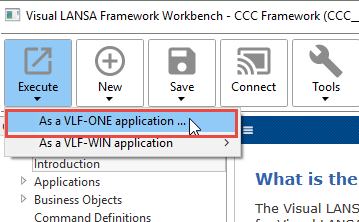
Execute the Framework:
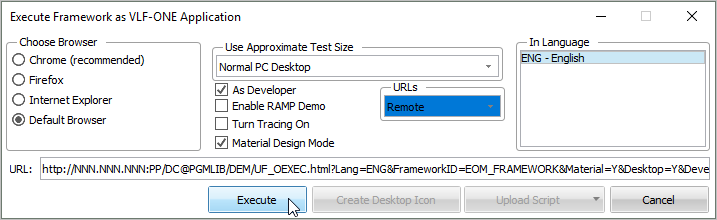
Choose Remote for URLs:
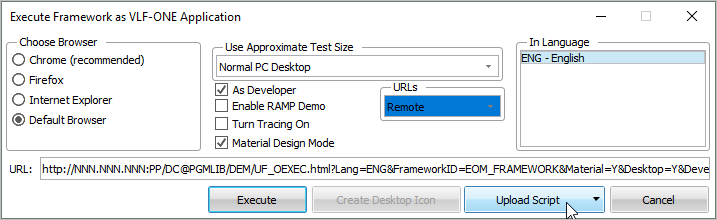
Change the URL to use the ip address and web port of your IBM i web server.
...
- Your snap in components
- The VLF (vf_*.js)
- The RAMP nodes file, if applicable
Now click Execute on the Execute Framework as a VLF-ONE Application dialog to start your Framework.