Page History
...
This will populate the drag tray with table columns.
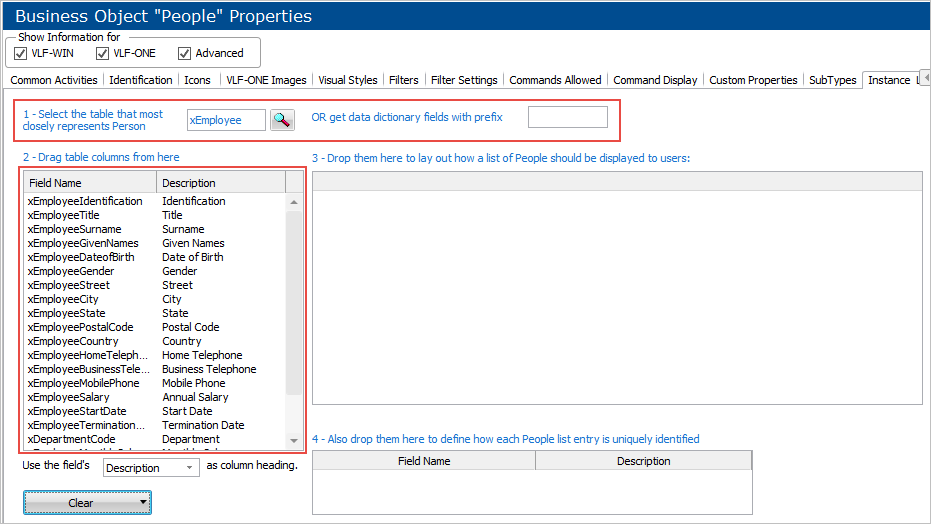
2. Drag the table columns that you want to show on the instance list from the drag tray to the instance list
Also, drag the columns that uniquely identify an instance list entry from the drag tray to the Unique Identifiers list.
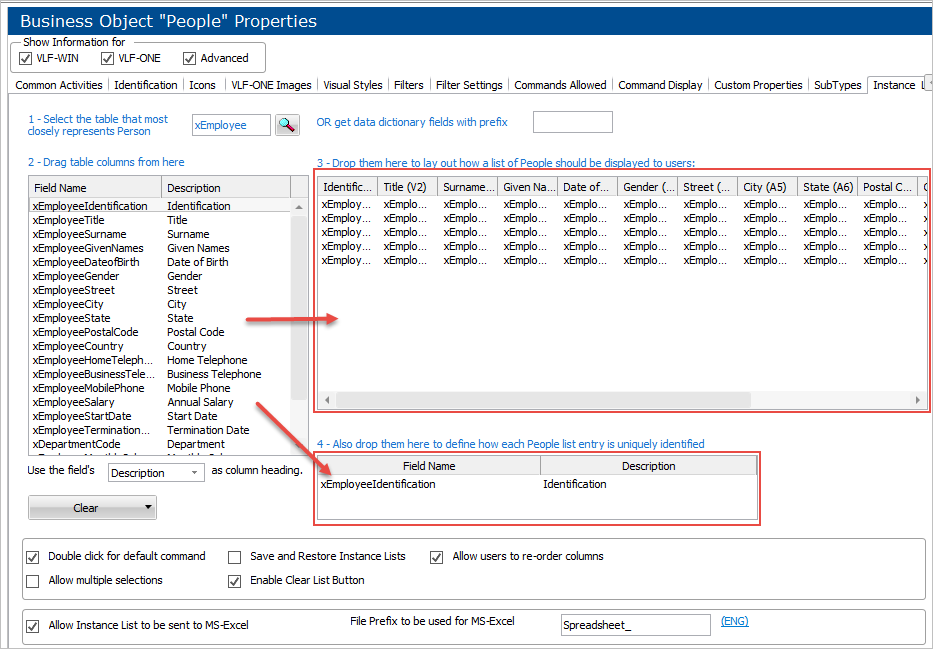
Other options
- To change or delete columns, click on the column in the Instance List and use the prompt.
...
Remember that values you set for the instance list column width, visibility, and order may be changed by the end user of the Framework, and these changes will be remembered for that user. So an instance list may appear differently to a user than the way it is designed in on this screen.
The options on this panel are:
...