Page History
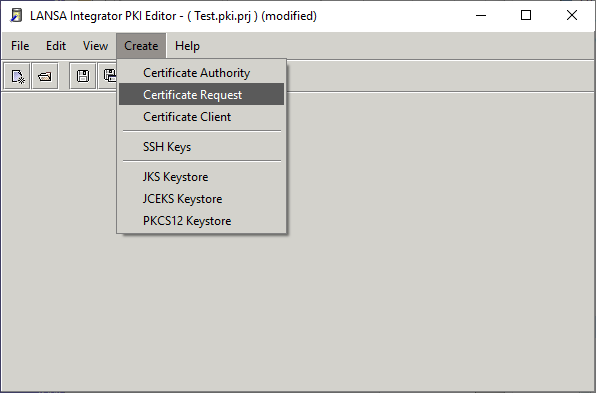
- Select Certificate Request from the Create menu:
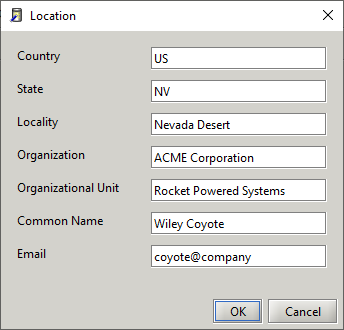
- Enter the subject name for the certificate:
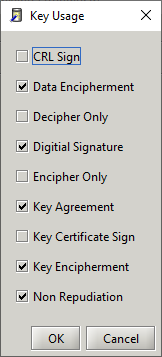
- Select the key usage for this certificate:
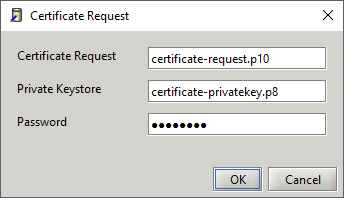
- Enter the certificate request file, private key file, and password:
Create Certificate Request processing steps
- Create private and public key (save private key PKCS#8 format)
- Create X500 Name (X509 certificate subject)
- Create certificate request
- Set basic constraint and flag critical
- Set key usage extension and flag critical
- Set subject alternate name extension (email)
- Set subject key id extension
- Sign and save request (PKCS#10 format).
...