Page History
...
For upgrade of existing repository

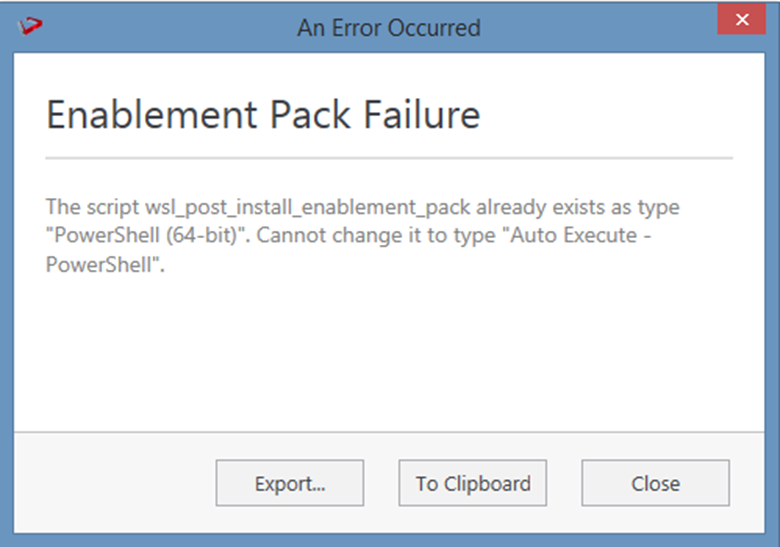
In upgrade of exiting repository if the user gets above error then it means the script type of wsl_post_install_enablement_pack is set to PowerShell(64-bit) change the script type to Auto Execute-PowerShell before upgrade or manually run the wsl_post_install_enablement_pack script from host script from RED after upgrade.
...
If you have RED 10.x or higher installed but the script (Setup_Enablement_Pack.ps1) fails to find it on you system then you are most likely running PowerShell (x86) version which does not show installed 64 bit apps by default. Please open a 64 bit version of Powershell instead and re-run the script
Table name should be given in lowercase only
While loading the table, the table name should be given in lowercase, for example, load_tablename; otherwise, loaded data will now get displayed.
...