Page History
...
- An empty PostgreSQL database to become your migrated metadata repository.
- An ODBC DSN and user with full permissions on the database (see setting up database and users in PostgreSQL for RED).
- Compatible PostgreSQL command line tools.
...
- An empty PostgreSQL database to house your Migration Tooling, this database can be removed once migration is complete.
- An ODBC DSN and user with full permissions on the database (see setting up database and users in PostgreSQL for RED).
- Compatible PostgreSQL command line tools.
...
- Launch the RED Setup Wizard as administrator.
- Select Create a new repository.
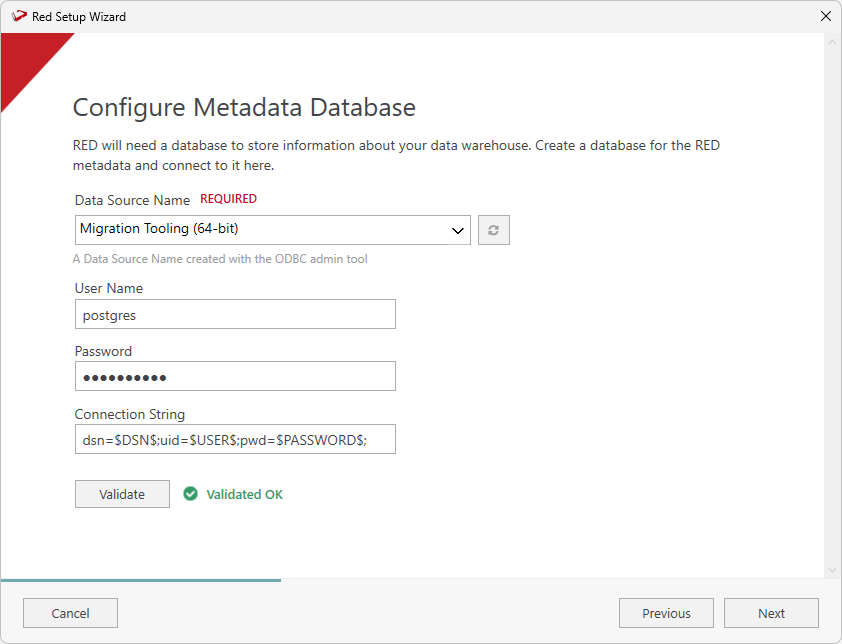
- Configure the metadata repositorydatabase - this will be your Migration Tooling metadata.
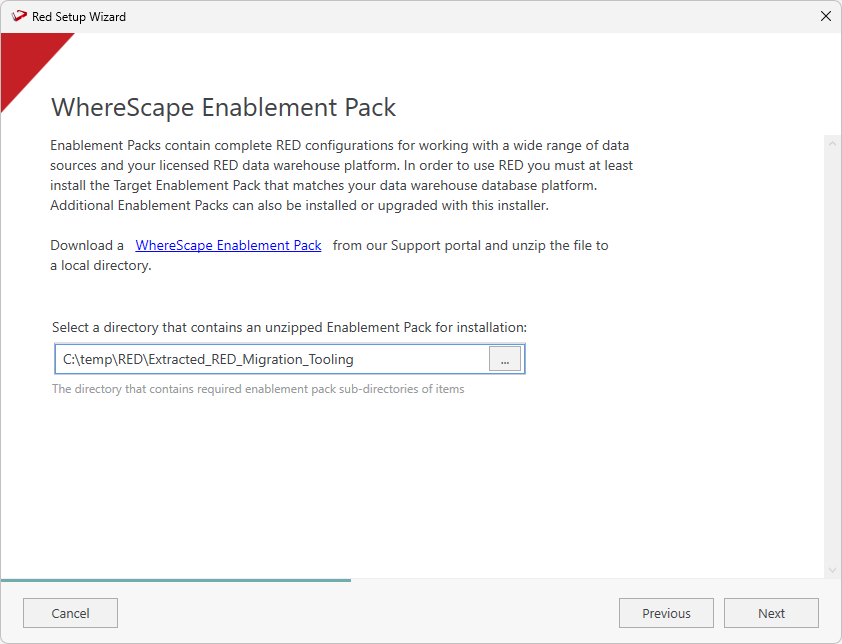
- Select the directory that contains the unzipped migration toolRED Migration Tooling. Click Next.
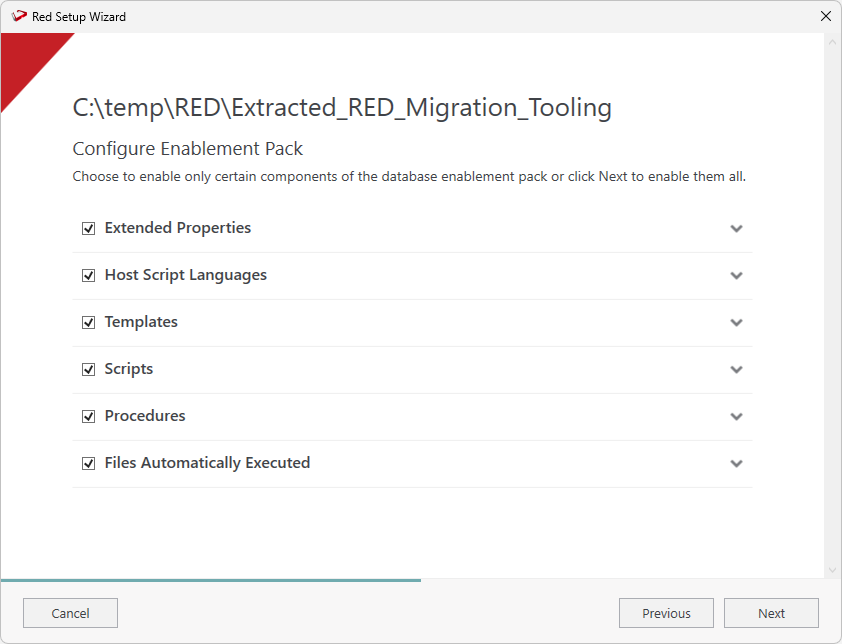
- Select the components that you want to install. Click Next.
...
You must create two PostgreSQL connections with the following characteristics:
| Connection Name | Type | Database Type | Target |
|---|
| Schema | Notes | |||
|---|---|---|---|---|
| Target | Target | "Any Custom Type"* | red | Refers to your Destination RED metadata database on PostgreSQL |
| Reports | Target | "Any Custom Type"* | red | Refers to your Migration Tooling metadata database on PostgreSQL |
| Info |
|---|
*"Any Custom will Type" will be your licensed Custom Database Target type which might have a different label in the UI than 'Custom', basically for these two connections we can't use the inbuilt SQL, Oracle or Teradata target types. |
Adding the 'Target' Destination Metadata Connection
The connection named 'Target' will be your PostgreSQL connection to your database to house the migrated RED metadata repository.
- On the Connection Name field, ensure to enter 'Target' as a name. On the Target Storage Locations field, ensure to enter 'red'.
- Complete the other fields with the appropriate data, then click Validate to check your configurations.
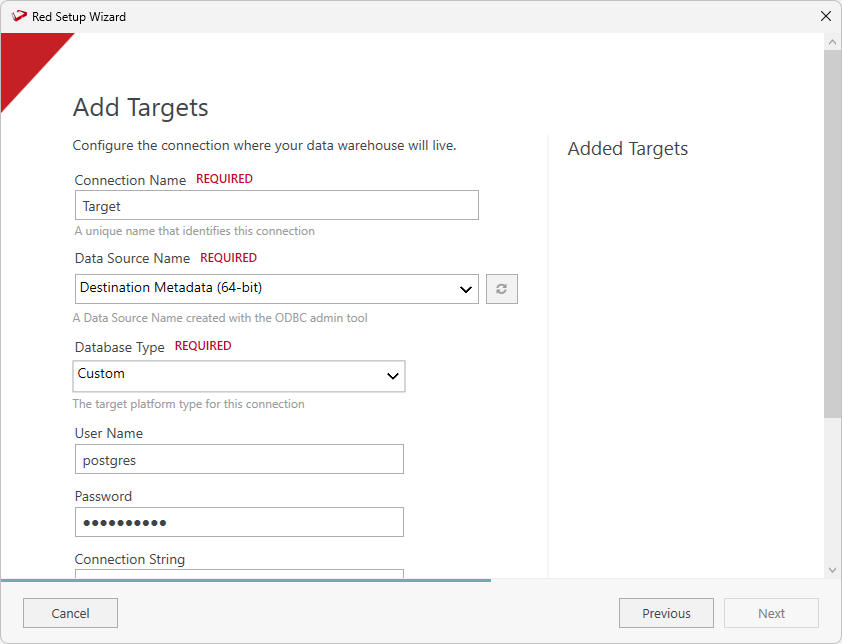
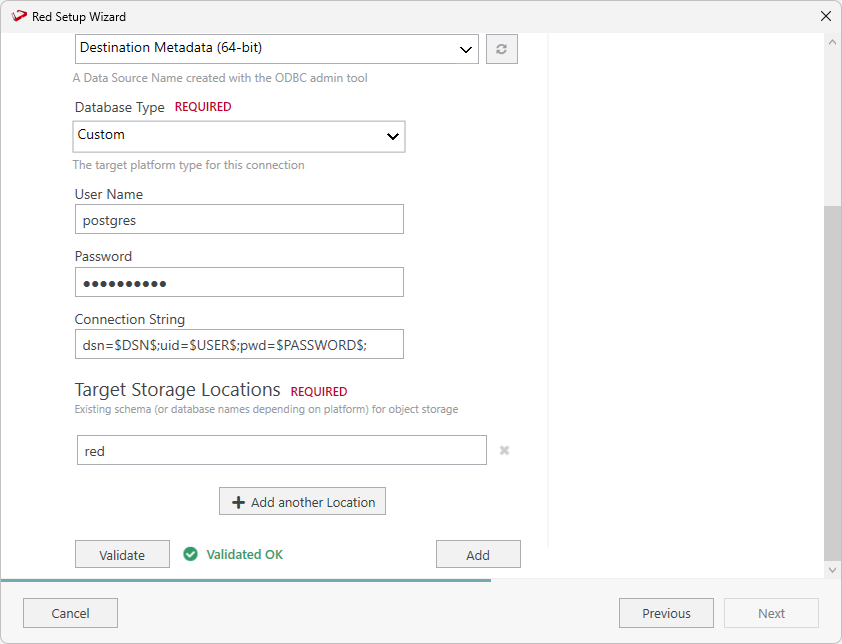
- Once you validate your configurations click Add.
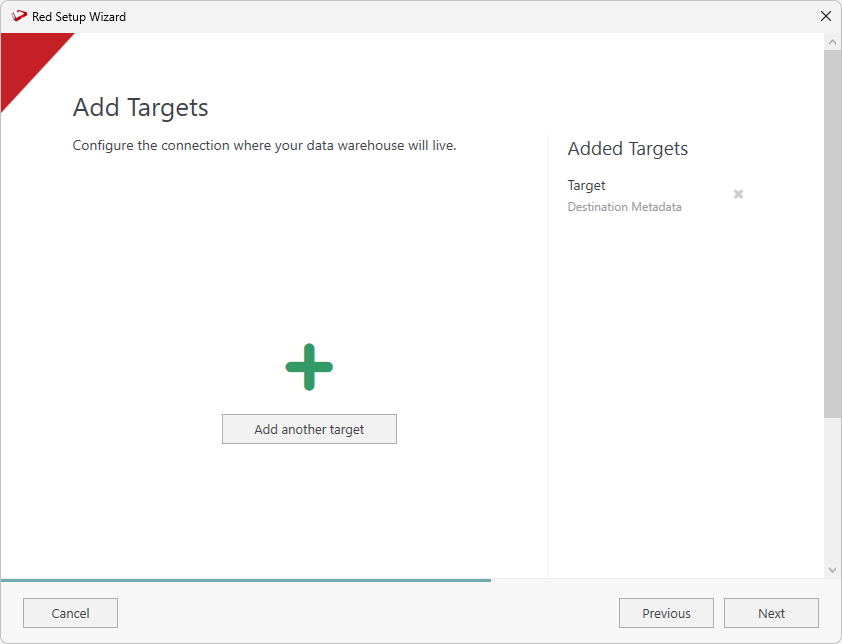
- On the Add Targets screen you will see the connection you just added. Click Add another target to add the Reports connection.
Adding the 'Reports' Migration Tooling Metadata Connection
The connection named 'Reports' will be your PostgreSQL connection to your Migration Tooling metadata repository, which allows us to add targets to the tooling metadata database for reporting.
...