Page History
...
When WhereScape RED starts for the first time, after the installation steps described in the previous section, the script that prepares the Migration Tooling executes automatically.
If you get failures in the Reports pane after opening WhereScape RED, then one or more of the preparation steps in the host script named '1_prepare_migration' did not succeed.
Take note of the failure message and see if you can correct the issue, then rerun the script. On subsequent script runs you may get additional failures due to the earlier run having already applied a change but in general rerunning this script will not cause issues and some failures when re-run may be dismissed.
If you have not set up the required connections, the Results pane will display a failure message similar to the image shown below. Please expand the Connections node in the left tree and add or amend connections as required before rerunning the script.
...
- Source Repository Database Type - either SQL Server, Oracle or Teradata
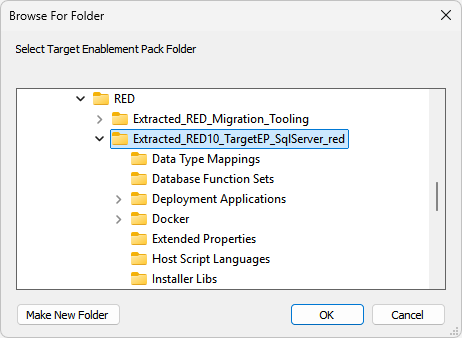
- Target Database Enablement Pack - this is the location of the unpacked RED 10 compatible Target Enablement Pack for your licensed target
| Info |
|---|
If you get failures in the Reports pane after opening WhereScape RED, then one or more of the preparation steps in the host script named '1_prepare_migration' did not succeed. Take note of the failure message and see if you can correct the issue, then rerun the script. On subsequent script runs you may get additional failures due to the earlier run having already applied a change but in general rerunning this script will not cause issues and some failures when re-run may be dismissed |
Manual Steps and checks after RED Migration Tooling starts
...