Page History
...
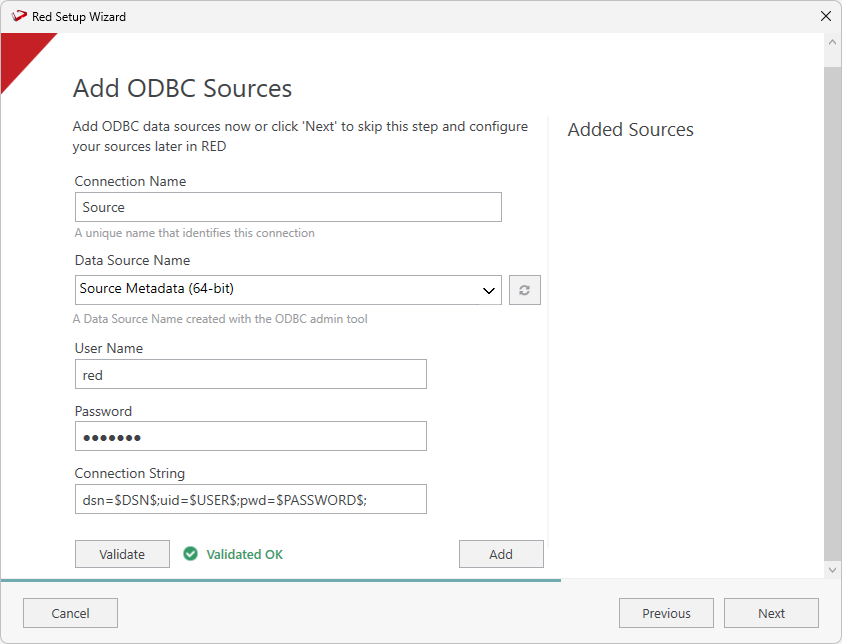
- On the Add ODBC Sources screen, configure a connection with 'Source' as the connection name, select the DSN relating to your existing RED 8.6 or 9.0 metadata repository. Click Validate to check your connection and then click Add.
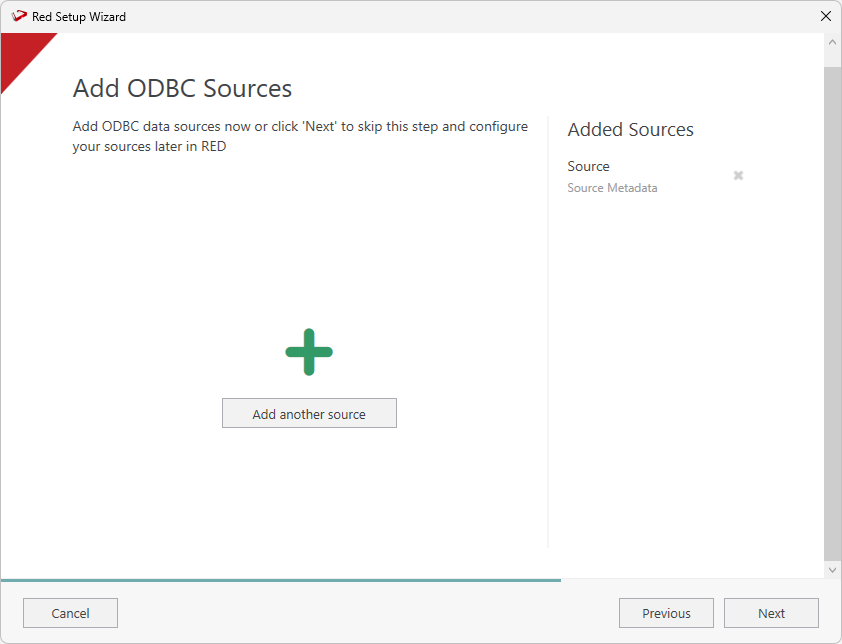
- The Add ODBC Sources screen will show the connection you just added. Click Next to continue or click Add another source to add more sources.
Review and Finalize the Install
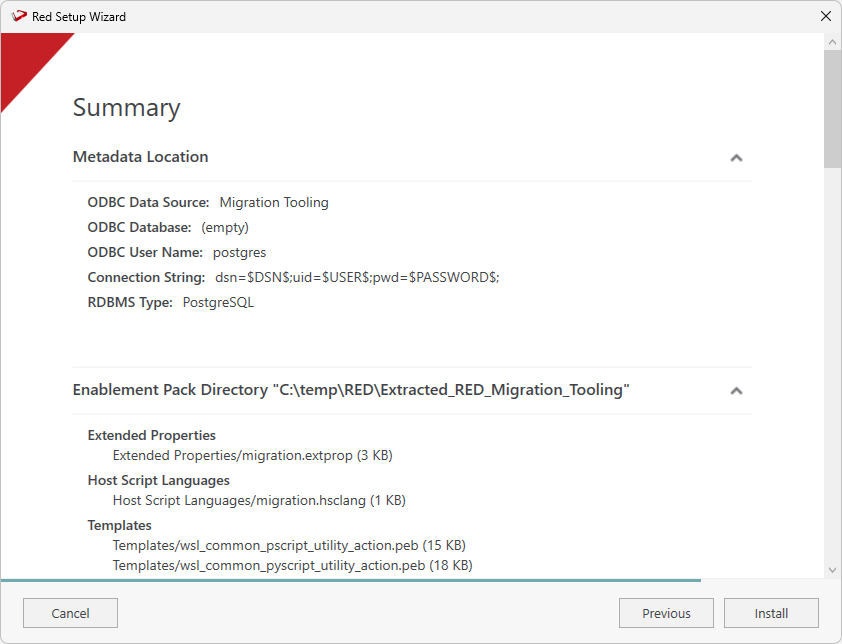
On the Summary screen review your configurations are correct, you can click Previous to make changes or click Install to continue.
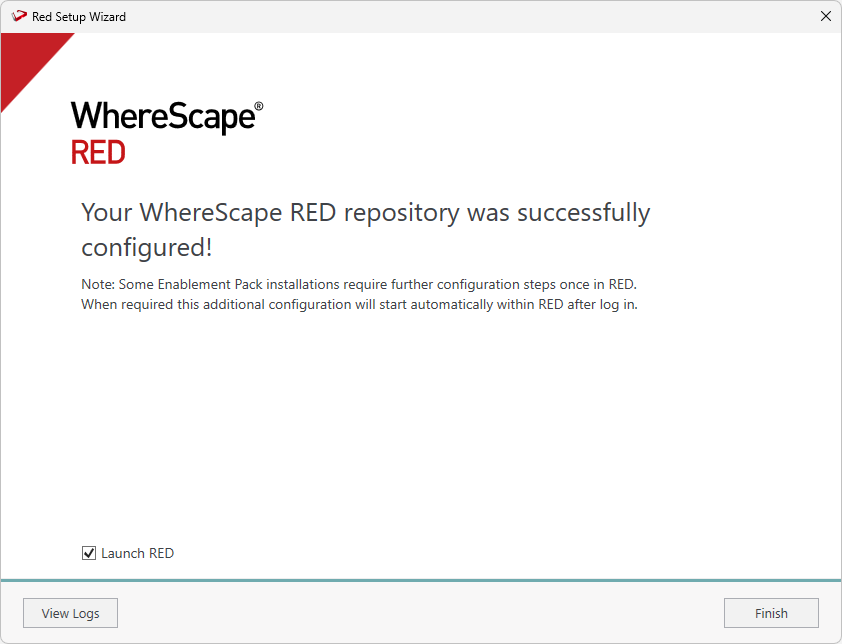
Once the installation finishes, click Finish to close the installer and launch RED.
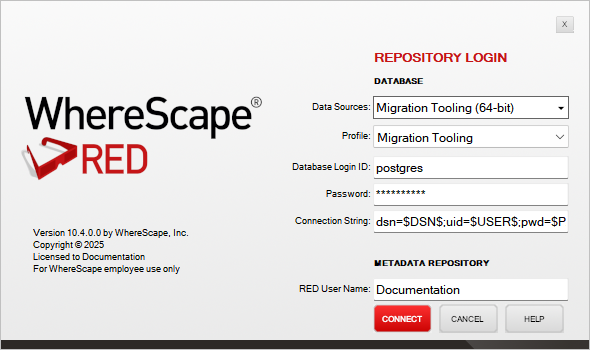
Enter Review your login settings and click Connect.
| Tip | ||
|---|---|---|
| ||
RED Setup Wizard runs with elevated privileges, therefore when RED is launched from the final page it is also starts with the same elevation. If you you start the RED Migration Tooling manually then please run med.exe as Admin as one of the scripts in the Migration Tooling relies on this elevation. |
Migration Preparation
Migration Preparation Script
...