Page History
...
When the wizard opens you have two options:
Current metadata: Use the metadata repository and authentication profile used to log in to RED.
Connect to another: Use a different metadata repository and authentication profile.

If you choose Connect to another, the Connect to repository screen will open. Provide the required connection details for connecting to another repository.
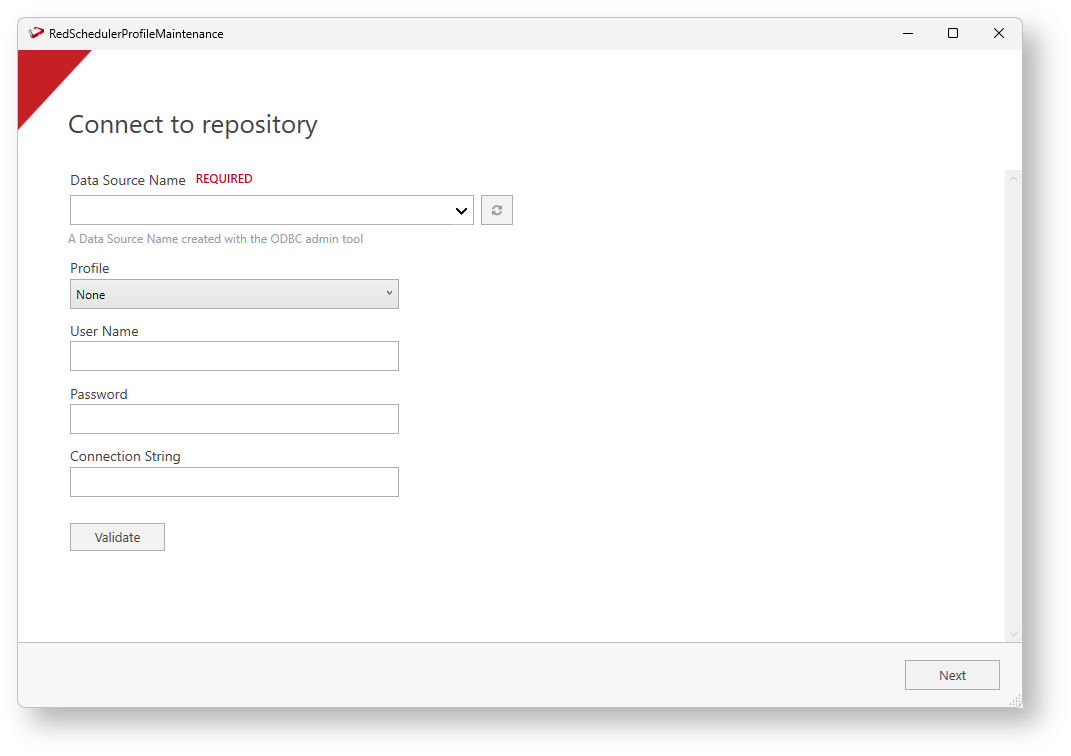
Once you connect to a repository you will be presented with the ‘authentication profile’ screen. On the Encryption field, enter the Profile Encryption Secret (used to encrypt any passwords entered) and each connection's credentials as well as an appropriate connection string for use by your scheduler service.
...
| Note |
|---|
You can also launch the wizard outside RED, go to the RED installation folder and run RedSchedulerProfileMaintenance.exe. When launching the wizard outside RED you will be asked to connect to a , the Connect to repository screen will open. Provide the required connection details for connecting to another repository. |
Using the Profile Maintenance Script
...