Page History
...
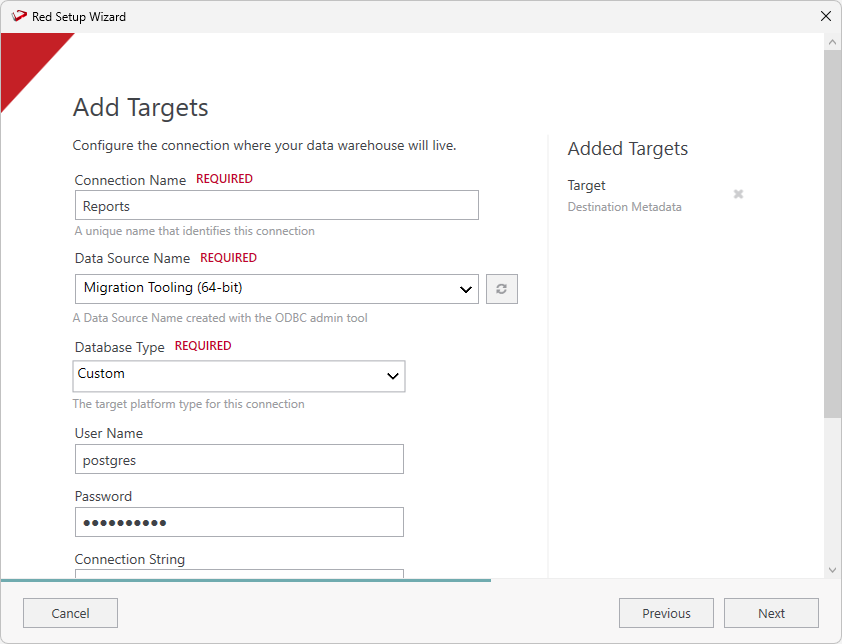
- On the Connection Name field, ensure you enter 'Reports' as the connection name.
- On the Data Source Name field, ensure you select the connection to the destination metadata repository.
- On the Target Storage Locations field, enter 'red' as the storage location.
- Complete the other fields with the appropriate data, then click Validate to check your configurations.
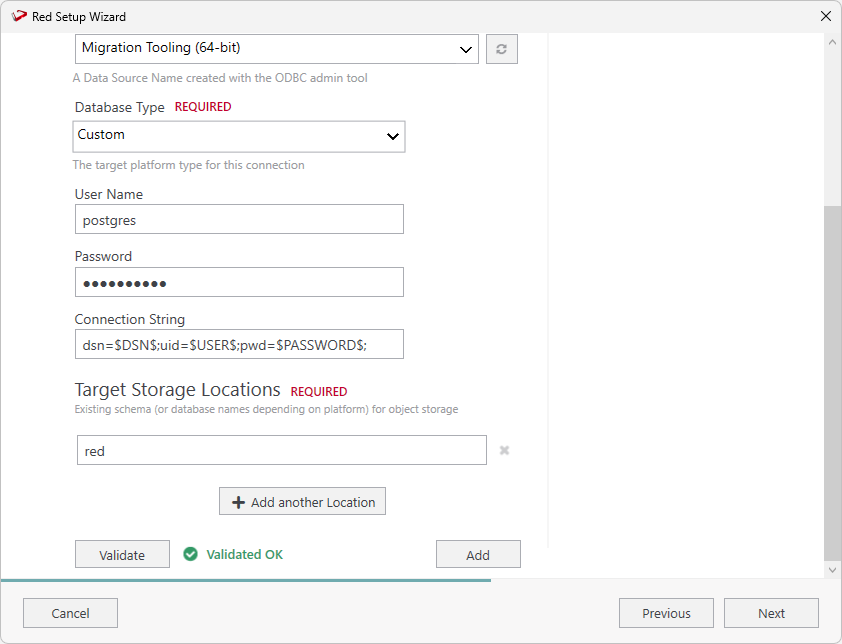
- Once you validate your configurations click Add.
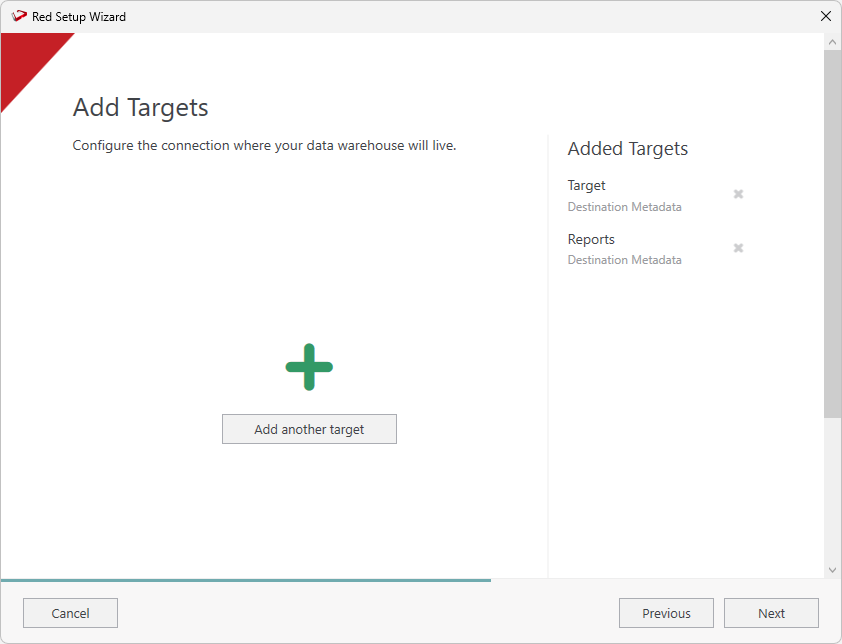
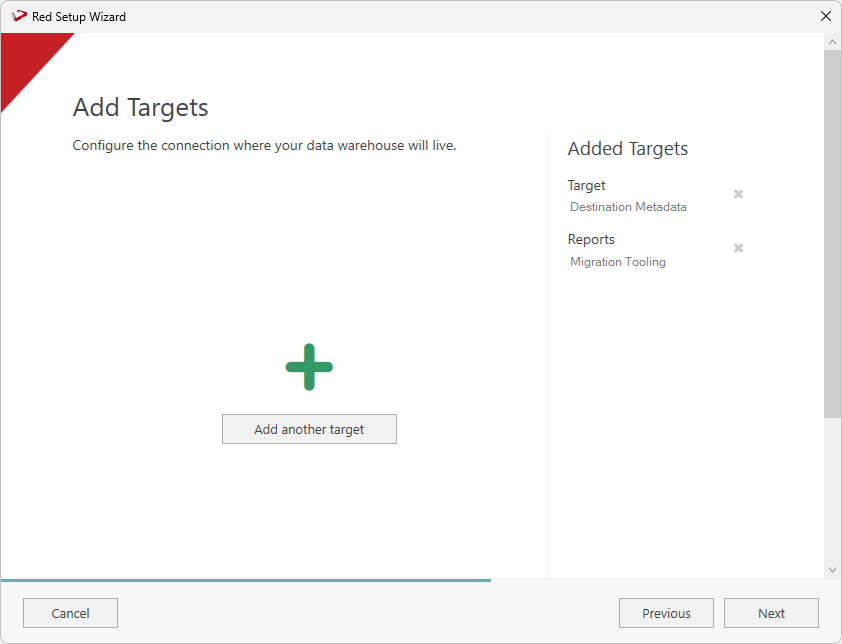
- On the Add Targets screen you will see the two connections you just added. Click Next continue and add the source connection.
Create the Source Metadata Connection
...