Page History
...
Managing the AI features in SQL DM involves global configuration, permissions activation, and finally individual user consent for optimum security. MAke Make sure you perform all three of the following actions:
...
- Using an administrator account, go to Administration > Application Security.
- Click on the row for the user account that you want to update, and then click Add in the toolbar. SQL DM displays the Add Permission wizard.
>>>NEED BETTER IMAGE<<<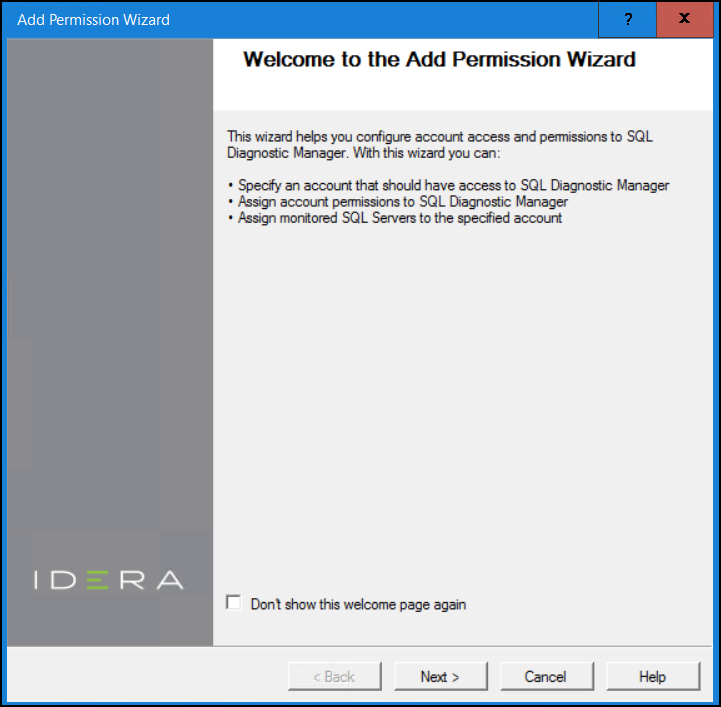
- Review the text on the first page, and then click
- click Next. The wizard displays the Add a login page.
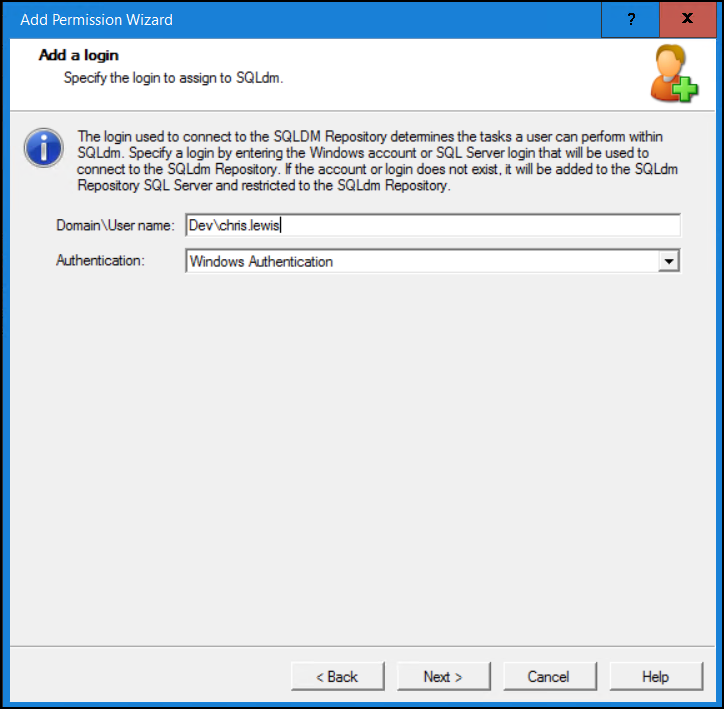
- Verify the domain and user name, and make sure you have the correct authentication method selected before clicking Next. The wizard displays the Specify Permission page.
>>>NEED BETTER IMAGE<<<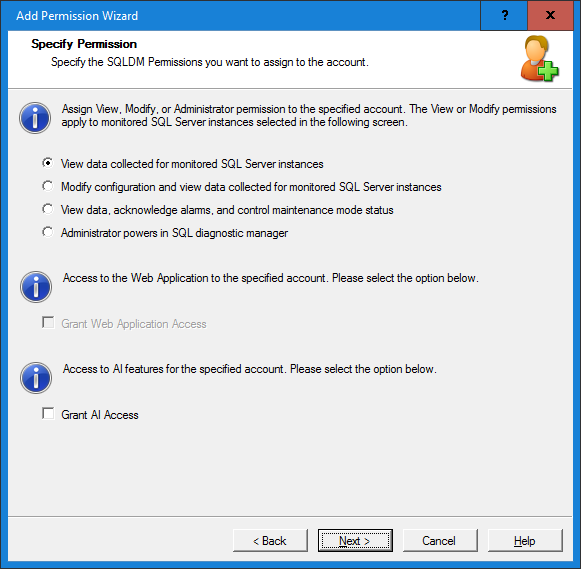
- Check the Grant AI Access box, and then click Next. This checkbox is not selected by default.
- Complete the wizard to add the user account.
>>>NEED BETTER IMAGE<<<
...