Page History
Show Contents List
You are here: Visual LANSA User Guide > 5. Executing Applications > 5.8 Fatal Errors > 5.8.2 Web Runtime Error Log Viewer
...
5.8.2 Web Runtime Error Log Viewer
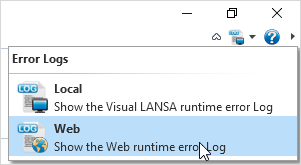
Use the Error Logs command to display and choose Web to view web runtime error logs:

The Web Runtime Error Log Viewer is designed to help you to locate fatal errors in your code when you are developing web-related applications.
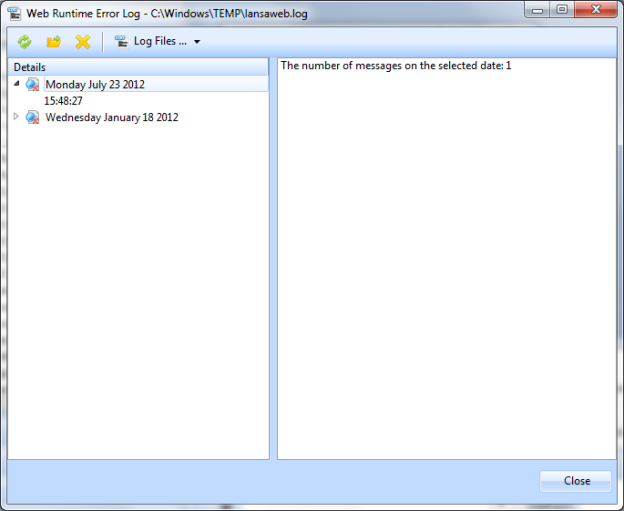
The left pane lists the latest errors sorted by date and time, and the right pane shows details for the error selected in the left painpane.
| Update the viewer with the latest error messages - if there are any that have not yet reached the list. |

| This icon opens the actual Web Runtime Error Log file in text format |

if that is the one you are accustomed to using. |
| Press this icon to delete the message that is highlighted in the Details pane or to delete all the messages listed. |

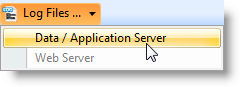
| Two options are available: Data/application Server: This is where the LANSA application runs. Look here for application errors. Web server: Process requests from user agents (browsers). Look here for problems connecting to the Data/application server or XSL transformations (when transforming on the web server). |
...
You can keep this modeless dialog open when you are developing. ⇑