Page History
...
6.
...
2.2 Breakpoint Properties
...
Use the Breakpoint Properties dialog to set the pass count count for the breakpoint.
To display the Breakpoint Properties dialog, press the 
 Breakpoints icon in the Toolbar.
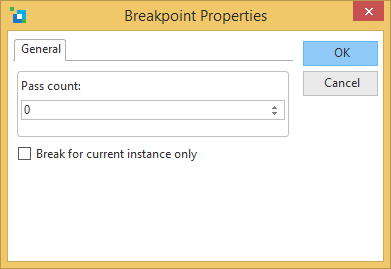
The pass count is the number of times a line with a breakpoint is to be executed before the debug facility stops the LANSA application running and displays the line.
For example, if the pass count is 3, the LANSA application must execute the command on the specified line twice, and on the third time, the debug facility will halt the LANSA application and display the line on which the breakpoint is set. ⇑