Page History
&<img src="../resources/images/opentocr.png" title="Open Contents list" border="0"&>
You are here:
...
Open a form. In the editor bring up the Repository tab, then the Groups tab and open the Buttons group.
Drag the button reusable part (EOEXAM20) to your form.
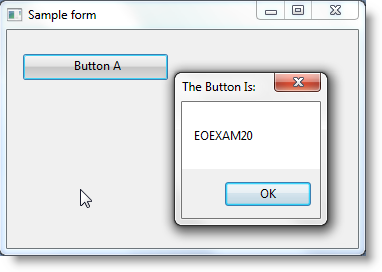
Compile and execute your form. The button with caption Button A is visible. When you click on it a message box showing the name of the button reusable part is displayed:

&<img src="../resources/images/opentoc-dark.png" title="Open Contents List" border="0"&>