Page History
To create a new solution, right-click the Solution node in the Project panel.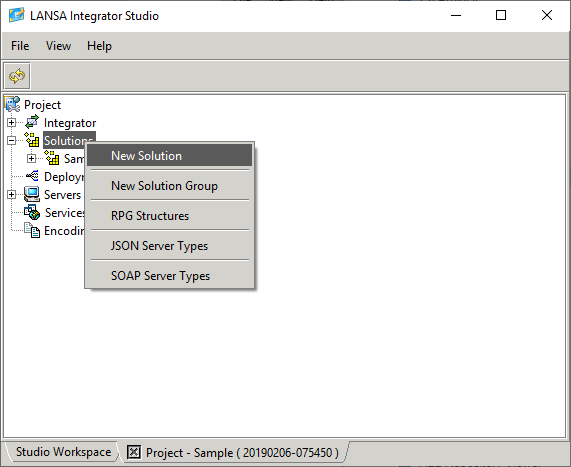
From the Tool combo, selected the required tool, in this example the Text File Editor has been selected.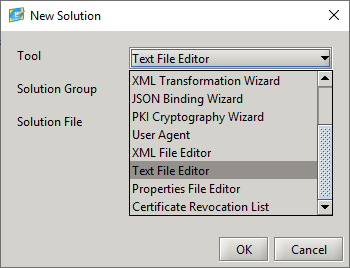
Because the Solution folder contains no group folders, the Group Combo is empty, enter the name of the group folder that will be created.
Enter the name of the file to be used by the Text File Editor. There is no need to add an extension: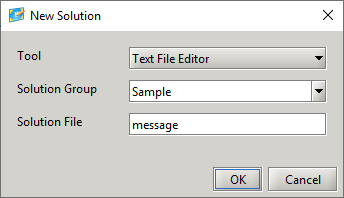
Because the Group folder does not exist you will be prompted to confirm its creation: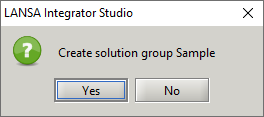
The Sample folder is created and the message.txt is also created and opened by the Text File Editor: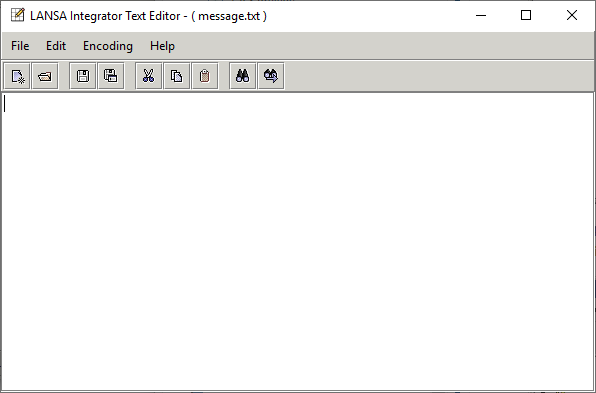
When the group folder is created, several sub folders are also created. These folders are used to manage content created by SOAP Wizard, XML Binding Wizard, JSON Binding Wizard and XSL Compiler tools.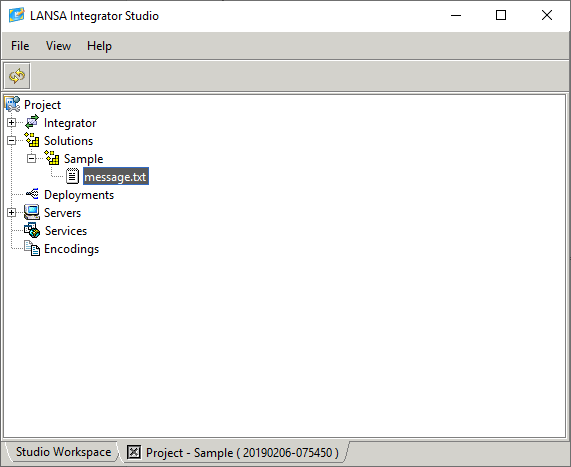
Once a file is created or copied into the group folder, Studio can be used to maintain that resource.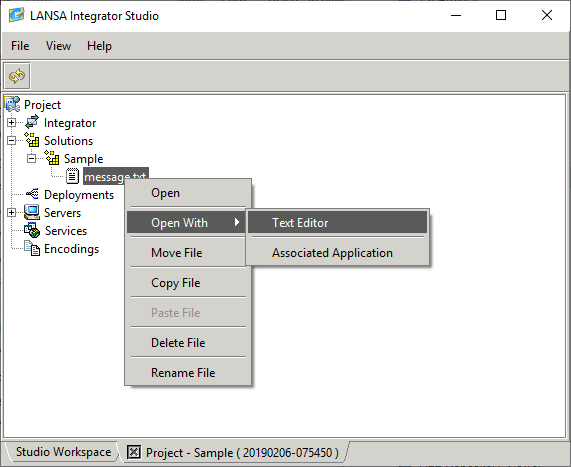
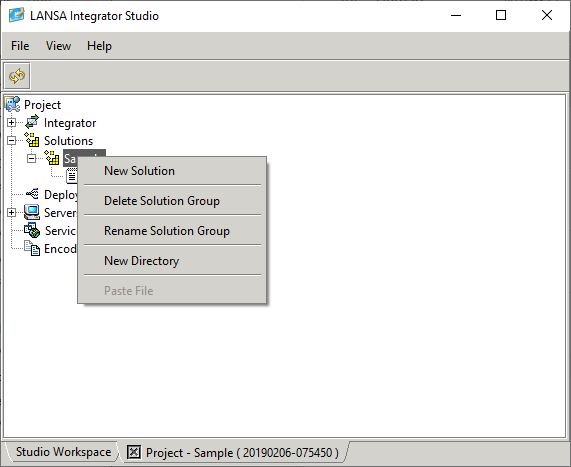
A solution can also be created from the group folder node. In this case the Group combo will be set to the selected Group folder.