Page History
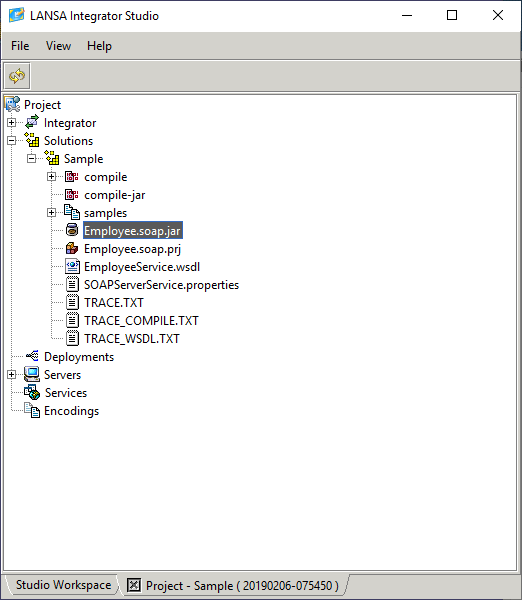
1. From From the Project Solutions node select the New Solution menu item.
2. Select Select the SOAP Server Wizard tool and enter or select the Group folder to receive the project file.
3. Enter Enter the project File name. The extension '.soap.prj' is added automatically.
...
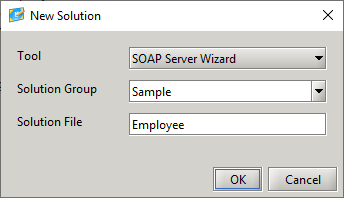
4. Press Press the OK button.
...
 The
The
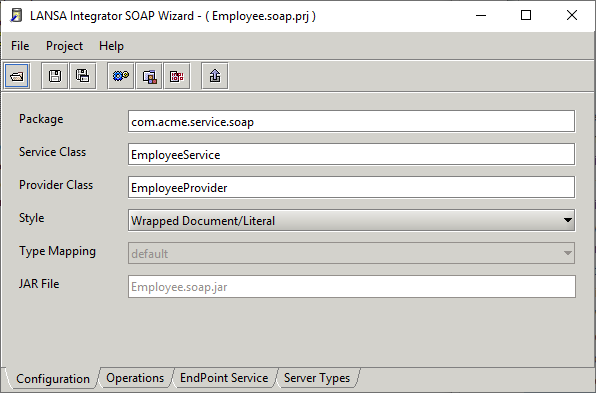
The project name is used in the creation of the JAR file name and the service and provider class names.
...
The JAR file contains the generated service and provider classes.
...
The end point URL is used in the generated WSDL file.
5.
...
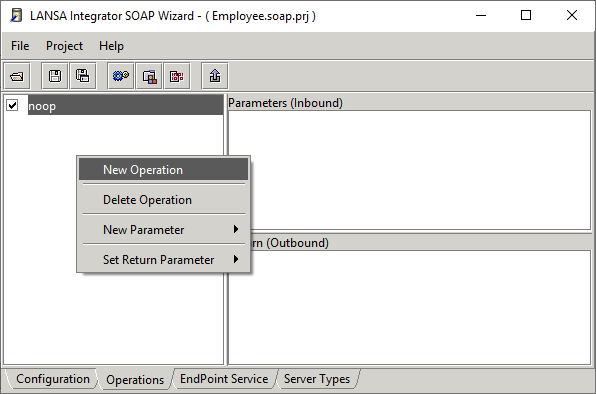
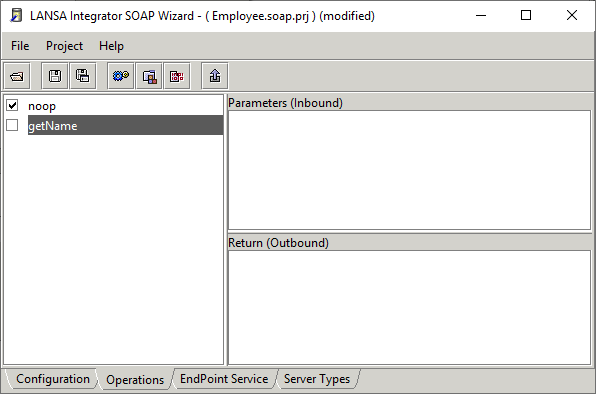
To add Operations to the server service, select the Operations tab and right-click the operation panel.
...
6.
...
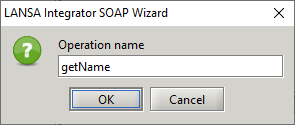
Enter Operation name.
...
...
7.
...
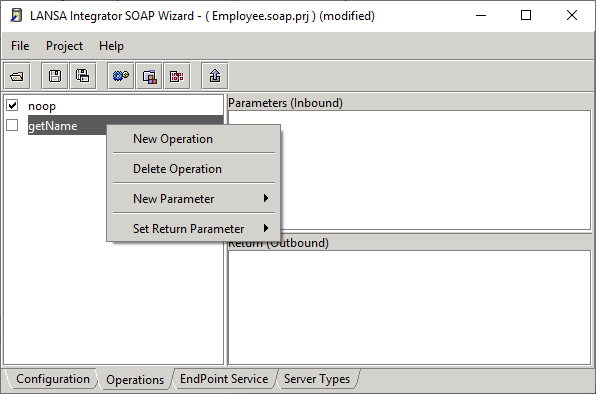
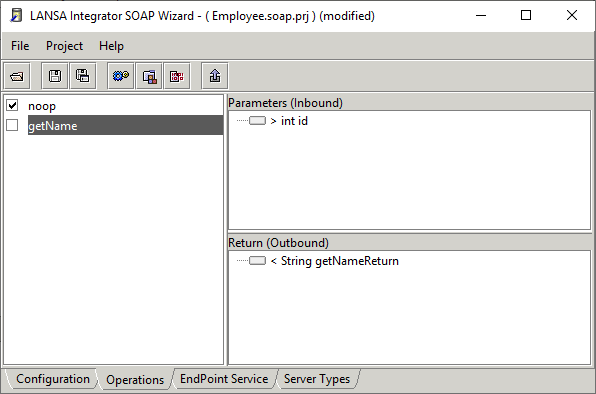
To add operation parameters and to set the return parameter, right-click the operation.
...
...
...
The parameter nodes can be marked to accept and handle data in different ways.
...
Different icons indicate the node types:

| Node is ignored. |


| Node is a field. |


| Node is a fixed value. |


| Node is a list. |


| Node is a list field. |


| Node is a fragment. |


| Node is stream file. |

...
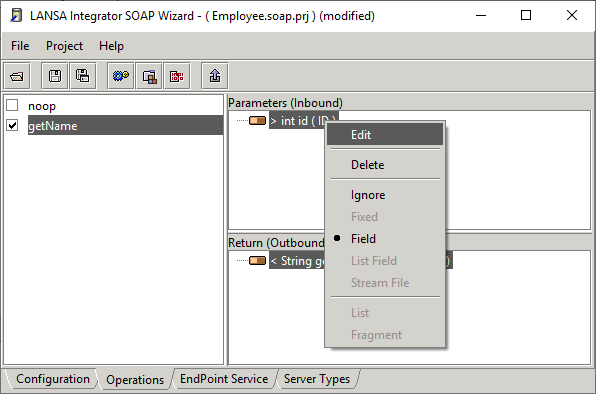
In the following diagram, the parameter and return parameter
...
has been marked as fields. You can also use the 7.21 LANSA Repository Viewer to drag and drop a LANSA field name onto a node.
...
8.
...
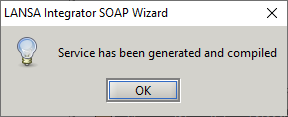
Press the build button to generate and compile the service. The service and provider classes will be added to the jar file.
...
...
All generated code and compiled classes exist in the compile sub directory.
...
Files containing service properties and the WSDL document are created in the solution directory and samples are created in the samples sub directory.
...