Page History
[  |../../index.htm#lansa/lansa048_4075.htm]
...
When the Quick Find feature is enabled, a search field like this appears on the right-hand side of the Framework tool bar like this:
VLF-ONE

VLF-WIN
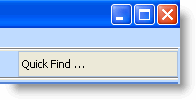
In VLF-WIN when a user clicks in this field a list of the business objects they have recently been using is displayed. The list is ordered from most recent to least recent:
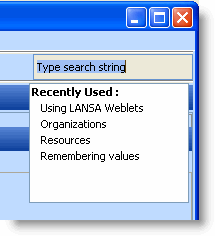
The user can select a business object from the list by clicking on it. This will immediately switch them to the business object.
In VLF-ONE Framework, application and business object enabled commands may also appear and can be executed from the search results list.
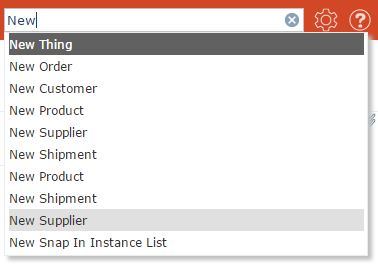
The users can also type in a search value. As they type the set of authorized business objects captions is scanned and presented to them. By clicking on one of the business objects presented they will be immediately switched to it:
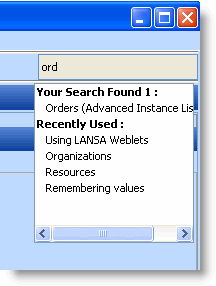
See Allow Search/Recently Used Limit and Search Field Width.
[ |../../index.htm#lansa/lansa048_4075.htm]