Page History
[  |../../index.htm#lansa/vlfonetutorials_0365.htm]
...
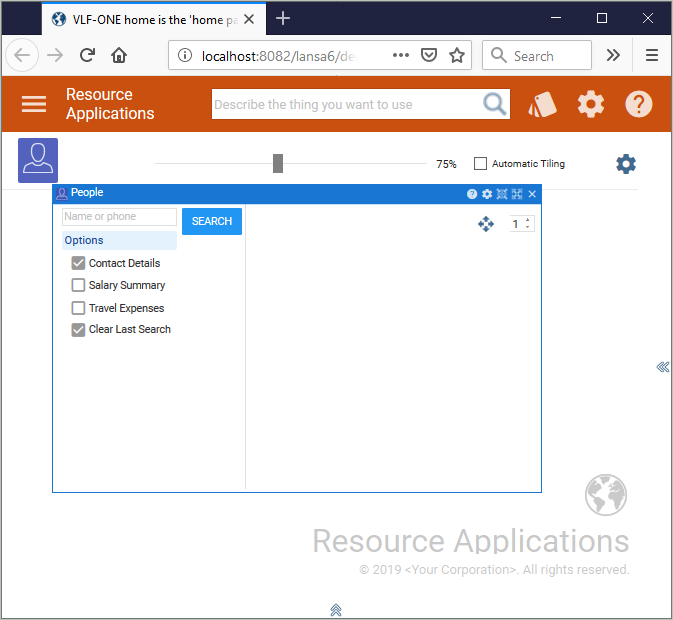
Select a business object, for example People in Resource Applications. The business object is displayed on a panel:
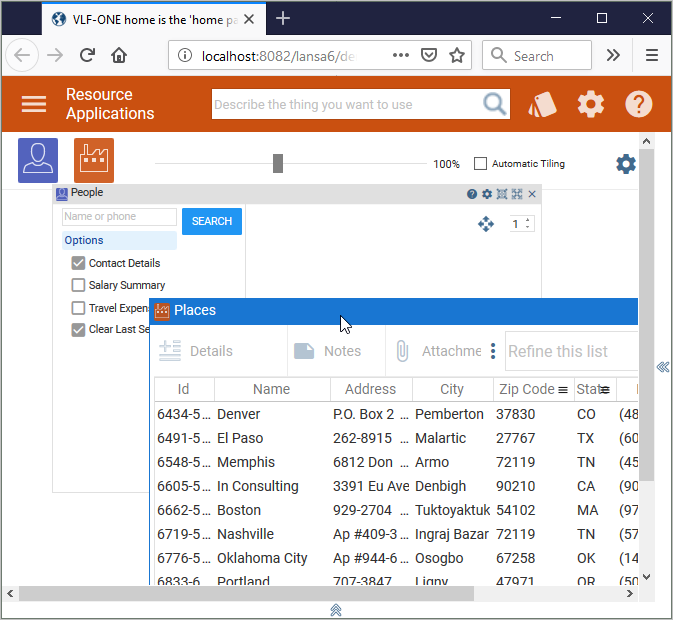
Then choose another business object, for example Places. It is displayed on another panel. Move the panels so that you can see both:
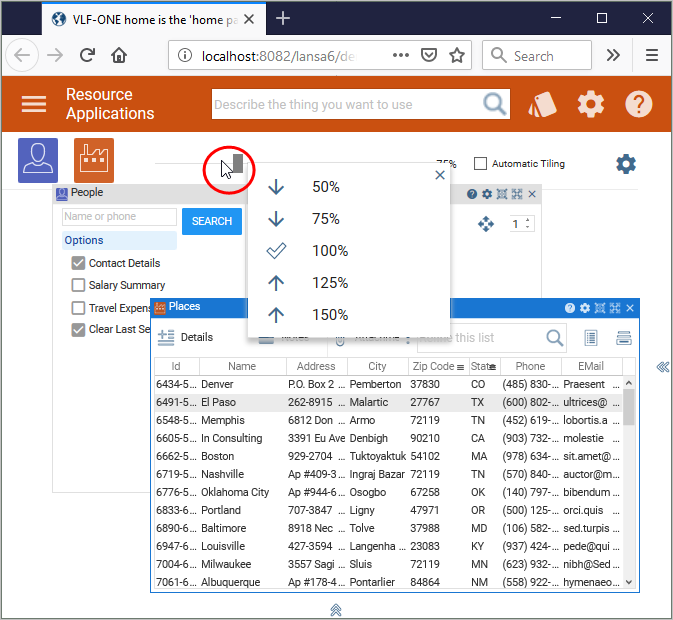
Use the slider on the top to zoom down the panel:
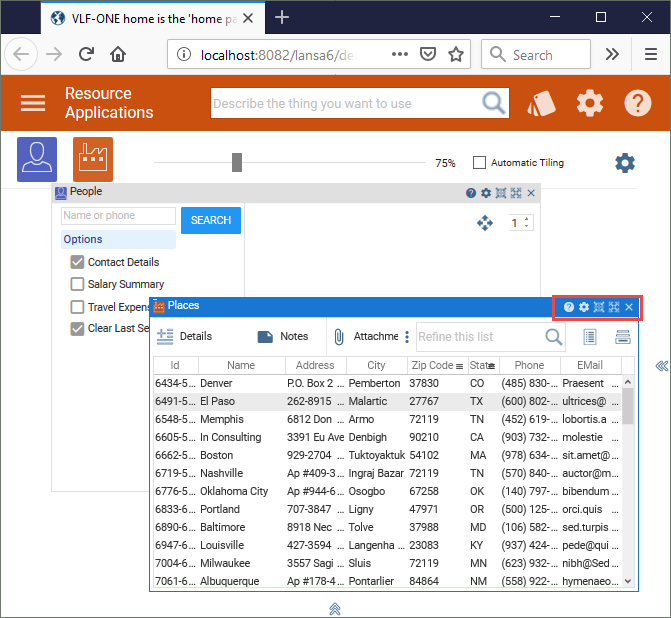
Use the icons on the top right of a panel to change its settings or size, or to close it:
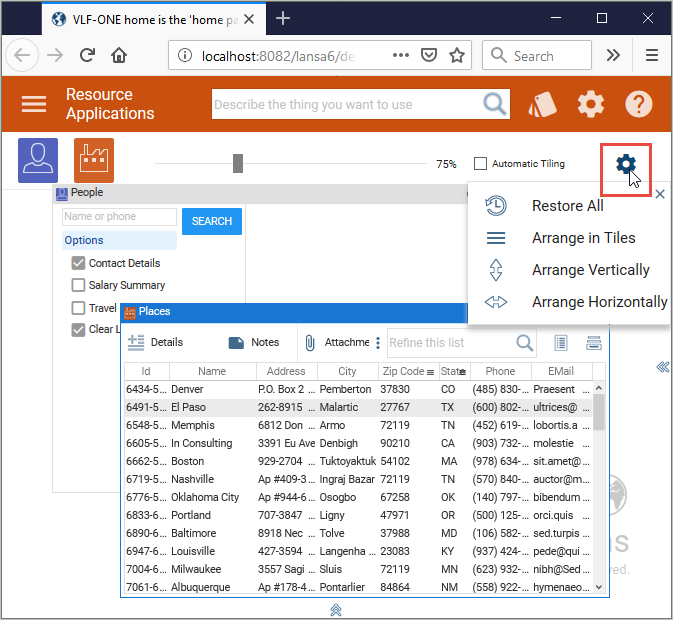
Use the settings to change the layout of the panel:
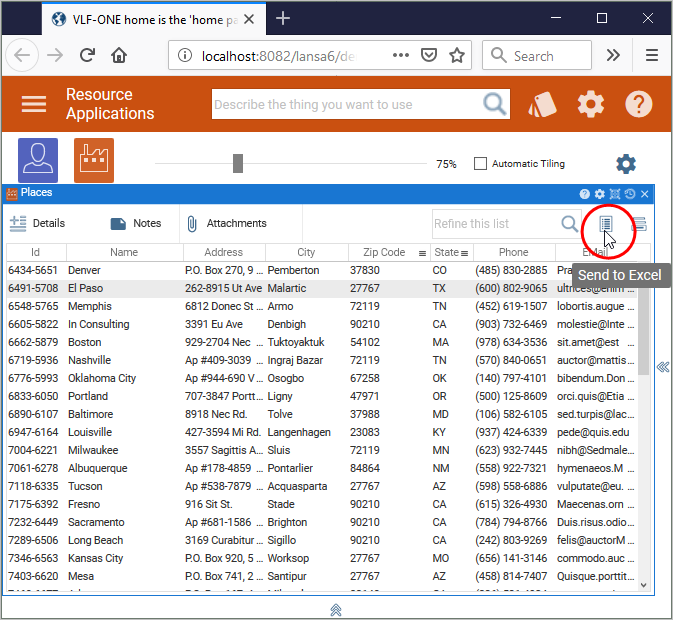
Use Send to Excel  to send the contents of the instance list to MS-Excel:
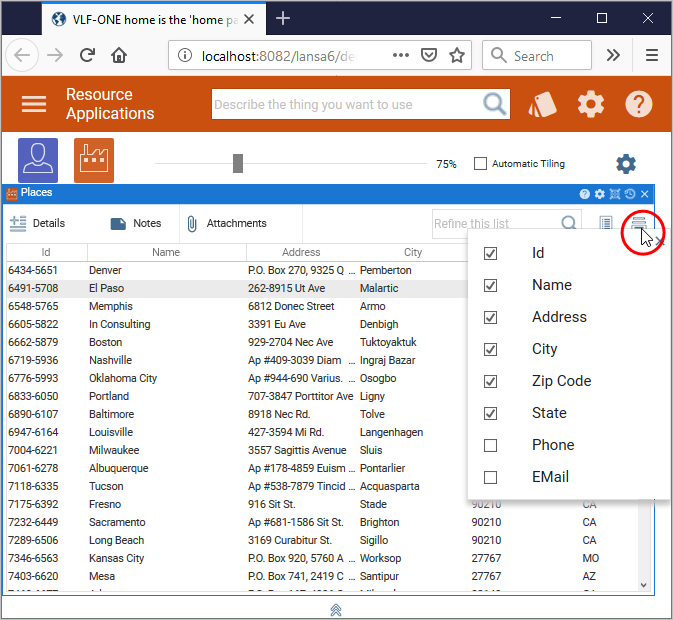
Use Select Columns  to choose the columns shown:
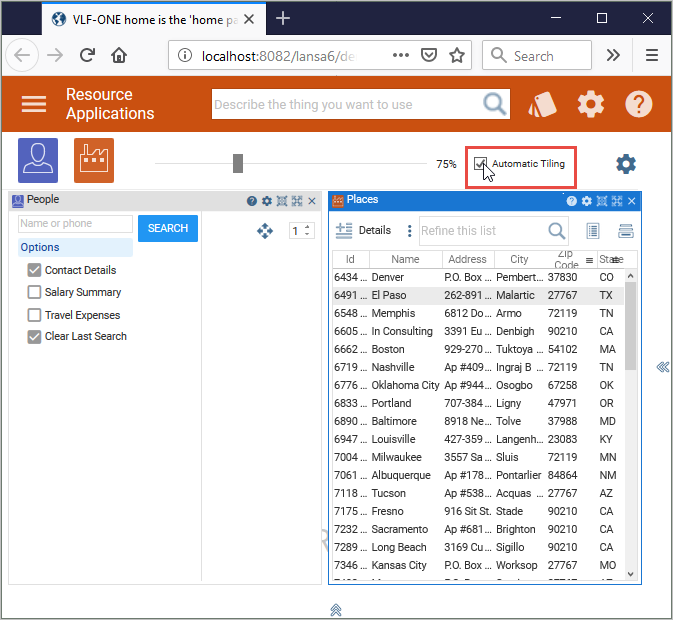
Use the Automatic Tiling option to tile the panels:
[ |../../index.htm#lansa/vlfonetutorials_0365.htm]